

Standard Operating Procedures (SOPs) serve as the backbone of many organizations, ensuring that business processes are conducted consistently, efficiently, and in compliance with regulatory requirements. However, the traditional paper-based approach to SOP development and management often leads to challenges, including difficulty in updating documents, poor accessibility, and an increased risk of errors.
The integration of technology into SOP development heralds a new era of efficiency and reliability, offering solutions to these challenges and revolutionizing the way SOPs, or step-by-step instructions, are created, maintained, and accessed.
Article Outline
Benefits of Using Technology in SOP Development
The shift towards integrating technology into SOP development isn’t just a trend—it’s a transformative move that brings about a myriad of benefits, making SOP management more streamlined and efficient than ever. By leveraging the right tools and platforms, organizations can significantly enhance the creation, distribution, and maintenance of their standard operating procedures.
Let’s delve into the key benefits of utilizing technology in this critical aspect of business operations.
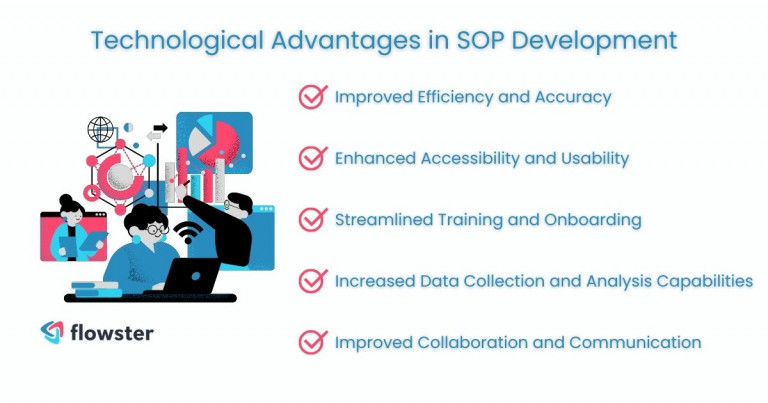
1. Improved Efficiency and Accuracy
The use of SOP software and authoring tools automates the creation and updating process, drastically reducing the time and effort required. This not only speeds up the workflow but also minimizes human errors, ensuring that SOP documents are precise and reliable.
2. Enhanced Accessibility and Usability
With cloud-based platforms, SOPs become easily accessible to employees from anywhere, at any time. This means that whether they’re in the office or on the field, crucial procedural information is just a few clicks away, enhancing operational flexibility and responsiveness.
3. Streamlined Training and Onboarding
Technology enables the integration of interactive elements into SOPs, such as videos and quizzes, making training more engaging and effective. New hires can get up to speed quicker, understanding and applying standard operating procedures with greater ease and confidence.
4. Increased Data Collection and Analysis Capabilities
Advanced data analytics tools can be integrated with SOP platforms, offering insights into how SOPs are used and identifying areas for improvement. This data-driven approach helps organizations refine their procedures and enhance their overall performance.
5. Improved Collaboration and Communication
Digital platforms facilitate better teamwork by allowing multiple users to collaborate on SOP development and review in real time. This fosters a more cohesive approach to SOP management and ensures that all stakeholders are on the same page.
In the following section, we will explore how to choose the right technology for your organization’s SOP development needs, considering factors such as size, budget, and specific operational requirements. This careful selection process is crucial to harnessing the full potential of technology to enhance your SOP development project.
Key Technologies for SOP Development
As we move beyond understanding the benefits of integrating technology into SOP development, it’s essential to identify the specific technologies that can make this vision a reality. These technologies are the building blocks that enable organizations to achieve the improved efficiency, accuracy, and collaboration we’ve discussed.
Let’s explore the key technologies that are revolutionizing SOP development and management.
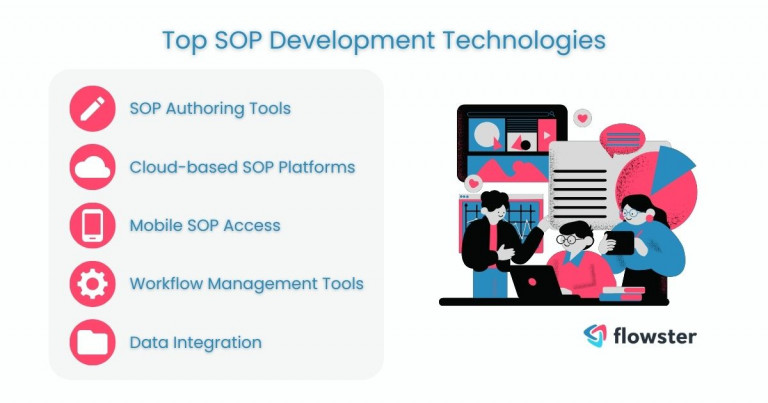
1. SOP Authoring Tools
These specialized software solutions streamline the creation, editing, and management of SOP documents. They often come equipped with templates and guidance to help users draft clear and comprehensive SOPs, making the development process more accessible to those without technical writing expertise.
2. Cloud-based SOP Platforms
Secure, cloud-based platforms offer a centralized repository for storing, accessing, and revising SOPs. This ensures that all employees have access to the most current versions of documents, facilitating consistent practices across the organization and eliminating the confusion of outdated procedures.
3. Mobile SOP Access
The ability to access SOPs via mobile devices empowers employees with immediate access to necessary procedures, regardless of their location. This flexibility is particularly beneficial for field workers or teams spread across multiple locations, ensuring they can always follow the correct protocols.
4. Workflow Management Tools
Automating tasks and tracking the progress of various activities within SOP development projects becomes streamlined with workflow management tools. These technologies help organize the stages of SOP creation, review, and approval, ensuring projects stay on track and deadlines are met.
5. Data Integration
By integrating SOPs with other business systems, organizations can leverage real-time data analysis to enhance decision-making and operational efficiency. This seamless flow of information between systems enriches SOP content and relevance, aligning procedures closely with business goals and performance metrics.
As we delve into the intricacies of these technologies, it becomes clear that selecting the right tools is pivotal for maximizing the benefits of digital SOP development. In the next section, we’ll guide you through the process of choosing the right technology for your organization, considering the unique needs and challenges your team faces.
This step is crucial for ensuring that the technology not only fits your current requirements but also scales effectively as your organization grows and evolves.
Choosing the Right Technology for Your Needs
Navigating the vast landscape of SOP development technology can seem daunting, yet choosing the right tools is a critical step towards achieving streamlined and effective SOP management. The selection process requires a thoughtful assessment of your organization’s specific needs, resources, and goals to ensure a perfect fit.
Here, we break down the essential steps in selecting the technology that will best support your SOP development efforts.
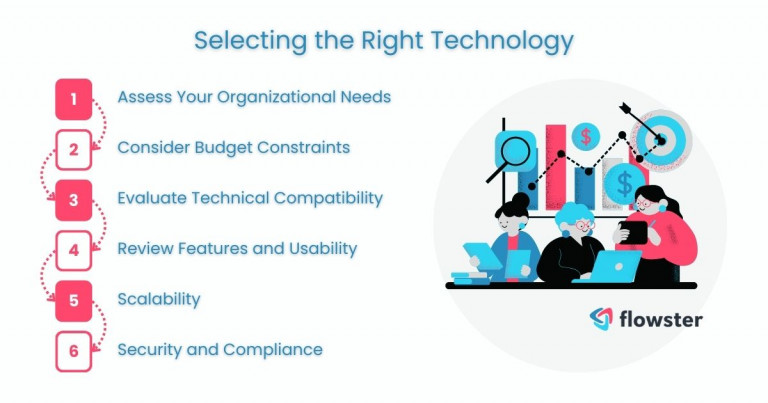
Step 1: Assess Your Organizational Needs
Begin by evaluating the specific challenges and requirements your organization faces in SOP development and management. Consider factors such as the complexity of your processes, the number of SOPs you manage, and the level of regulatory compliance needed to ensure your technology choice can adequately address these needs.
Step 2: Consider Budget Constraints
The budget is a crucial factor in the decision-making process. Determine how much your organization can afford to invest in SOP technology and look for solutions that offer the best value for your budget, keeping in mind the potential ROI in terms of efficiency and compliance improvements.
Step 3: Evaluate Technical Compatibility
The chosen technology should seamlessly integrate with your existing systems and workflows. Assess the technical infrastructure of your organization to ensure compatibility and minimize disruptions during the implementation phase.
Step 4: Review Features and Usability
Look for solutions that offer the specific features you need, such as template libraries, collaboration capabilities, and mobile access. Usability is key to ensuring widespread adoption among your team, so select software that is intuitive and user-friendly.
Step 5: Scalability
As your organization grows, your SOP management needs will evolve. Choose technology that can scale with your business, offering the flexibility to accommodate more users, processes, and regulatory requirements over time.
Step 6: Security and Compliance
Ensure that the technology meets the highest standards for data security and privacy, especially if you operate in a highly regulated industry. Compliance with relevant standards and regulations should be a non-negotiable aspect of your chosen solution.
For complex needs or when extensive customization is required, consider partnering with a custom software development company to create a solution tailored to your specific requirements.
Having outlined the steps to choose the right technology for SOP development, the journey towards integration begins. The next section focuses on implementing technology in your SOP development process.
This phase is crucial, as it involves not just the deployment of new tools but also preparing your team for a smooth transition and ensuring that the technology is used effectively to achieve your SOP management objectives.
Implementing Technology in SOP Development
Implementing technology in SOP development marks a pivotal shift from traditional, manual processes to a more streamlined, digital approach. This transition, while beneficial, requires careful planning and execution to ensure success and organizational buy-in.
Below, we explore the key steps involved in effectively implementing technology into your SOP development process, ensuring a smooth transition and maximum impact.
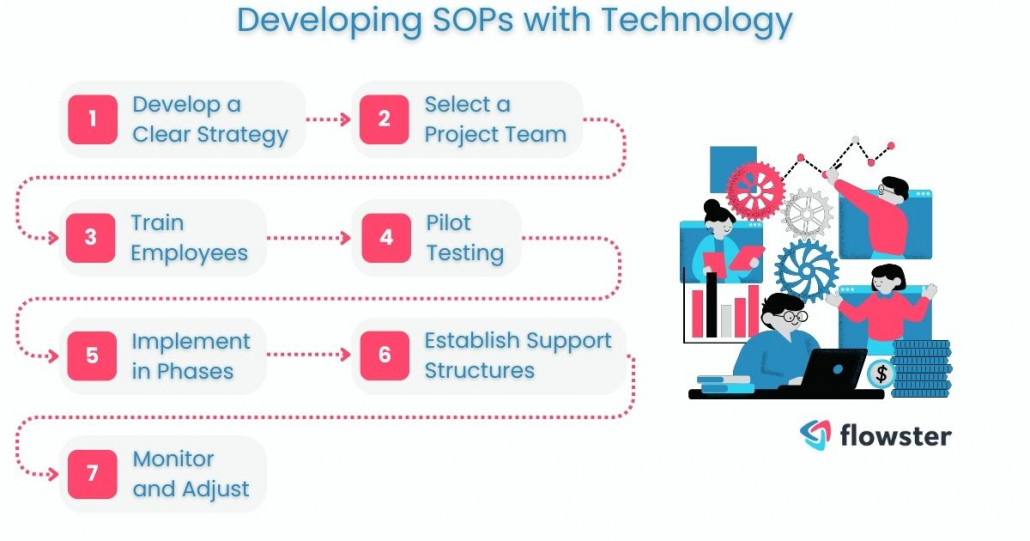
Step 1: Develop a Clear Strategy
Start by outlining a comprehensive strategy that includes objectives, timelines, and key milestones for integrating technology into your SOP process. This plan should address both the technical aspects of implementation and the human factors, such as training needs and change management.
Step 2: Select a Project Team
Assemble a project team responsible for overseeing the implementation process. This team should include IT specialists, SOP managers, and representatives from departments affected by the change. Their role is to ensure that the project stays on track and addresses the needs of all stakeholders.
Step 3: Train Employees
Prioritize training for employees who will be using the new technology. Effective training programs should cover not only how to use the software but also best practices for SOP development within the new system. This ensures that users are comfortable and proficient with the technology from the start.
Step 4: Pilot Testing
Before rolling out the technology across the entire organization, conduct a pilot test with a select group of users. This allows you to identify any issues or challenges and make the necessary adjustments. Feedback from pilot users can be invaluable in refining the implementation process.
Step 5: Implement in Phases
Depending on the size and complexity of your organization, consider implementing the technology in phases. This phased approach helps manage the change more effectively, allowing for adjustments as needed and minimizing disruption to ongoing operations.
Step 6: Establish Support Structures
Set up support systems to assist employees as they adapt to the new technology. This could include a help desk, online resources, and ongoing training sessions to address questions and challenges that arise post-implementation.
Step 7: Monitor and Adjust
Once the technology is in place, continuously monitor its performance and user adoption. Be prepared to make adjustments based on feedback and changing needs. This ongoing evaluation is key to ensuring the technology continues to meet the evolving requirements of SOP development.
With the technology now integrated into your SOP development process, the focus shifts to maintaining and updating your SOPs electronically. This next step is crucial for leveraging the full capabilities of your new tools and ensuring that SOPs remain current, accessible, and effective in guiding your organization’s operations.
Challenges and Considerations
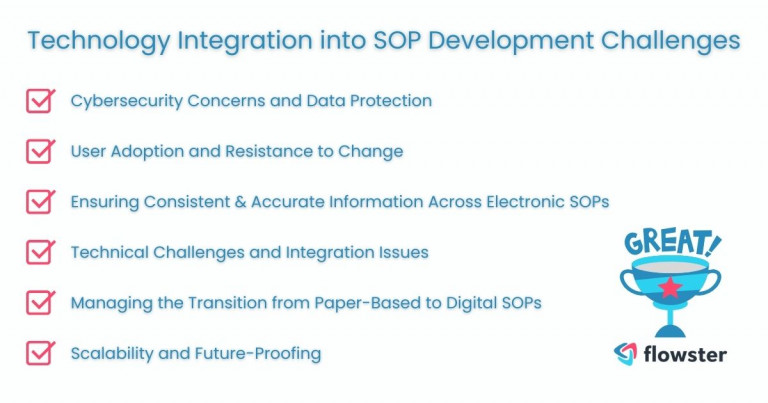
The integration of technology into SOP development, while transformative, is not without its challenges and considerations. Recognizing and preparing for these hurdles is crucial for a smooth transition and long-term success. This section delves into the common obstacles organizations might face and the critical factors to consider during this digital shift.
1. Cybersecurity Concerns and Data Protection
As SOPs often contain sensitive information, securing this data against cyber threats is paramount. Organizations must ensure that the chosen technology offers robust security features, including encryption and access controls, to protect against unauthorized access and data breaches.
2. User Adoption and Resistance to Change
Change can be daunting, and some employees may be resistant to adopting new technologies. Addressing this challenge requires a comprehensive change management strategy, including clear communication, training, and support to help staff understand the benefits and feel comfortable with the new system.
3. Ensuring Consistent and Accurate Information Across Electronic SOPs
With the digitization of SOPs, maintaining consistency and accuracy across all documents becomes a challenge. Implementing rigorous review and approval processes and utilizing features like version control can help ensure that all SOPs are up-to-date and accurately reflect current practices.
4. Technical Challenges and Integration Issues
Integrating new technology with existing systems can present technical hurdles. Thorough planning, involving IT professionals early in the process, and choosing interoperable solutions can mitigate these challenges, ensuring seamless integration.
5. Managing the Transition from Paper-Based to Digital SOPs
The shift from paper-based to digital SOPs can be complex, requiring careful planning to ensure no information is lost and that all procedures are accurately transferred to the new format. This may involve digitizing existing documents and training staff on how to access and use digital SOPs effectively.
6. Scalability and Future-Proofing
As your organization grows, your SOP management needs will also evolve. It’s important to select technology that is scalable and can adapt to future changes, whether that means handling an increasing volume of SOPs, accommodating new regulatory requirements, or integrating with emerging technologies.
With these challenges and considerations in mind, organizations can better prepare for and navigate the intricacies of integrating technology into SOP development. By proactively addressing these issues, you can ensure more effective implementation and long-term success.
Next, we will explore the exciting future of SOP development, highlighting emerging trends and innovations that promise to further enhance the efficiency and effectiveness of SOP management.
The Future of SOP Development with Technology
As we embrace the digital transformation of SOP development, the horizon is broadening with innovative technologies poised to redefine the standards of efficiency, engagement, and compliance. The future of SOP development with technology promises exciting advancements, further streamlining processes, and opening up new possibilities for organizations.
Let’s explore some of the emerging trends and how they might impact SOP development.
1. Artificial Intelligence and Machine Learning
AI and machine learning are set to revolutionize SOP development by automating routine tasks, predicting potential compliance issues, and offering insights for continuous improvement. These technologies can analyze vast amounts of data to identify trends and patterns, making SOPs more dynamic and adaptable to changing business needs and regulatory environments.
2. Augmented Reality (AR) and Virtual Reality (VR)
AR and VR technologies offer immersive training and procedural guidance, enabling employees to practice and visualize complex procedures in a safe, controlled environment. This hands-on approach not only improves comprehension and retention but also enhances the overall effectiveness of SOPs by providing a more engaging learning experience.
Technology Will Shape SOP Development
These technological advancements signify a shift towards more interactive, data-driven SOP development processes that can adapt to the evolving landscape of business operations and compliance requirements.
As we look to the future, organizations that leverage these technologies will find themselves at the forefront of operational excellence, ready to navigate the challenges of tomorrow with confidence and agility.
This journey towards technological integration in SOP development is not just about adopting new tools; it’s about reimagining how we create, manage, and utilize SOPs to drive business success.
Transform Your Business with Flowster's AI-Driven Automation
Conclusion: Use Technology for SOP Development
Integrating technology into SOP development marks a significant evolution from traditional methods to a digital-centric approach, enhancing efficiency and fostering innovation. This shift is essential for maintaining competitiveness and compliance in the modern business landscape, offering immediate benefits, and setting the stage for a more adaptive and insightful operational environment.
The digital transformation in SOP management not only streamlines processes but also empowers employees with accessible, up-to-date resources, ensuring SOPs are dynamic tools that grow with the organization. This approach enhances workplace efficiency and compliance, making SOPs more than just documents—they become integral to business success.
Looking ahead, the potential for technology-driven SOP development is vast, promising enhanced engagement, process optimization, and compliance. Organizations embracing these advancements will lead to operational excellence, heralding a new era of digital SOP management with endless possibilities for innovation and improvement.
Struggling to create your first standard operating procedure?
Flowster makes it simple for you to create your SOP document or SOP template with AI, or you can browse our pre-built SOP templates in the Flowster Marketplace.
Do you need help? Use our “Done for You” services to have our quality and improvement experts design custom workflows for you.