


Enterprise Resource Planning integration is the process by which an ERP system is connected to other business applications and platforms. An ERP system often manages business processes like accounting and supply chain management.
The integration enables a seamless, automated, and accurate data synchronization within the organization’s entire tech stack.
It’s a process that matters for all businesses to implement. For e-commerce businesses, there are many benefits to this integration. For example, automating processes like order processing and invoicing helps to save time. Real-time inventory synchronization helps to prevent overselling and shipping notifications that keep customers informed.
There are benefits to data security, too, with the average cost of a data breach crossing $4.88 million in 2024. Centralized data management makes it easier to enforce security protocols and to protect sensitive information.
For digital marketers, it provides a holistic client view that gives marketing and sales teams a 360-degree view of the customer journey. The integration also enables smarter resource allocation, delivering a clear overview of project workloads and staff availability. As such, it helps to prevent underutilization and increase billable hours.
This guide will provide you with all the insight you need to know about integrating ERP into existing business processes.
ERP integration basics: what you actually need to know
Summary: Explain the fundamentals of ERP integration, why it’s different from implementation, and why getting it right saves headaches later.
The goal of integration helps break down data repositories from disconnected systems and enables real-time information sharing across the organization.
Fundamentals of ERP integration include:
- Standardizing data flow – The process maps data fields across systems, which the ERP receives and understands the correction information when it comes to shipping, pricing, and inventory.
- Creating a unified ecosystem – An integration like this one ensures data is consistent and up-to-date across all connected applications.
- Connecting systems – Integration uses various methods like APIs, middleware, and pre-built connectors that enable different software applications to talk to one another.
Getting it right the first time is what will ensure ERP implementation saves you headaches in the future. Here’s why it’s helpful to implement it into your business.
Reduces manual errors and rework
Systems that aren’t integrated mean more manual data transfer. Automated data synchronization eliminates the risk of human error and frees up employee time.
Enables real-time decision-making
Integrated systems require real-time visibility into your business operations. That helps make decisions with detailed and accurate information.
Improves efficiency and customer experience
Automating processes helps to speed up operations and reduce delays.
How to figure out your current workflows
There are practical methods to embrace for helping document workflows. An effective data migration strategy requires a lot of planning, starting with comprehensive data mapping to align legacy and new systems. Documenting workflows and spotting bottlenecks enables a business to set baseline performance metrics for comparison.
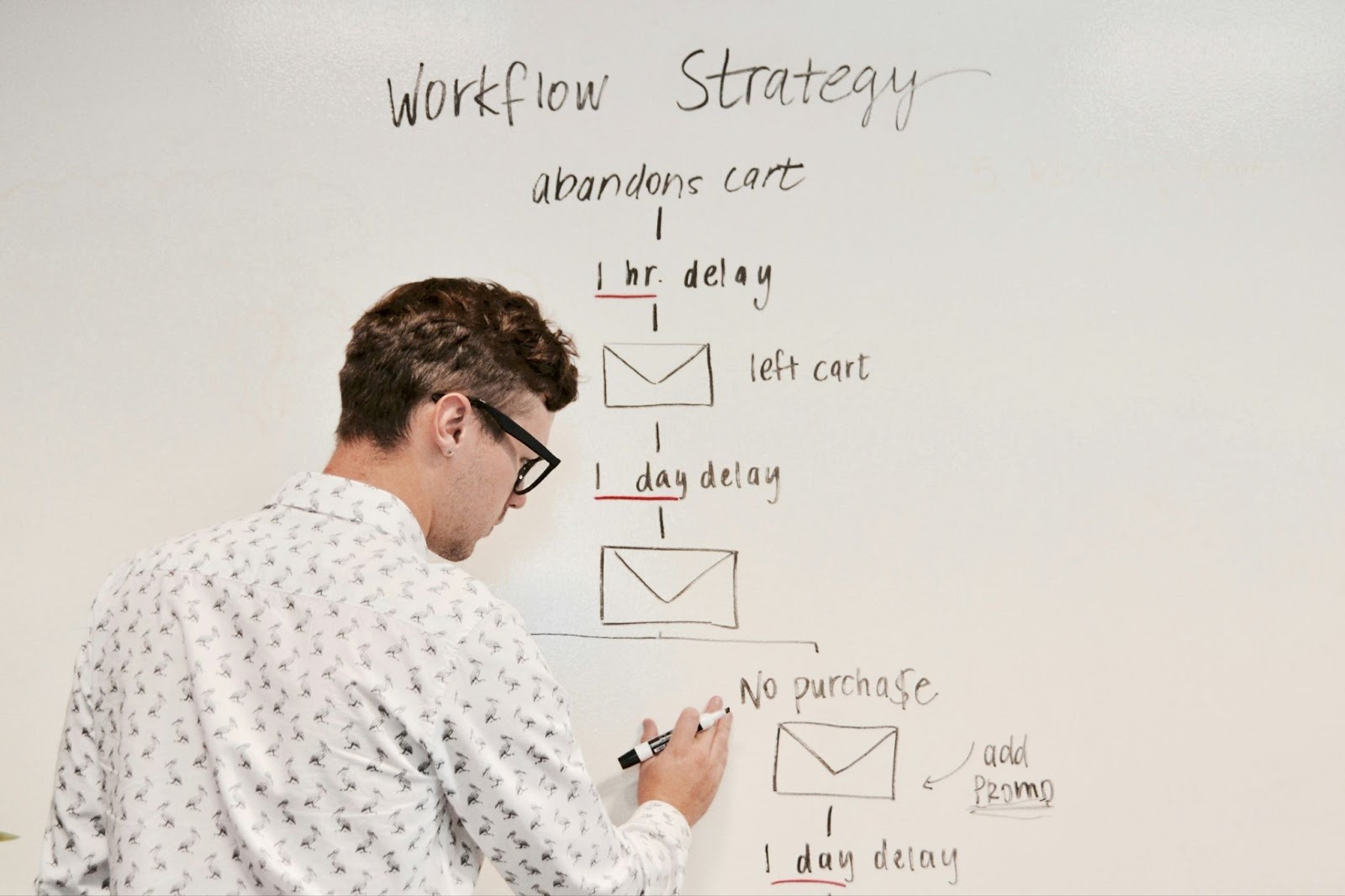
Assessing your MRP will fit into production inventory and supply workflows. Consider backing up all your data, providing user training, and conducting test migrations.
Setting goals and KPIs that actually matter
Summary: Explain how to define realistic ERP integration objectives, link them to business strategy, and measure success with KPIs or a balanced scorecard.
ERP integration is a major investment and therefore requires a clear strategy. Defining ERP integration objectives that are realistic will help in your overall business goals. Your success should be measured in KPIs that matter, offering both quantitative and qualitative metrics to show the full impact of the integration.
Picking the right integration approach for your business
It’s good to do your research and find out more about ERP software to find the best fit for your business. For example, MRPeasy’s knowledge base is a great place to explore different ERP approaches in more detail.
A few things to note when comparing:
Phased vs big-bang
For small businesses that have a high risk tolerance, a big-bang rollout would work best. It offers rapid and cost-effective deployment. Whereas phased rollouts help spread out disruption, which is ideal for larger and more complex companies that have low risk.
Top-down vs. bottom-up
A top-down approach is led by management and aligns goals quickly. A bottom-up approach uses short cycles that offer greater flexibility and user buy-in.
Agile vs waterfall
Another useful methodology for a small business with high-risk tolerances is the waterfall option, which offers cost-effective and rapid deployment. In comparison, the agile approach offers great flexibility and user buy-ins, which are also great for larger and complex organizations or low-risk companies.
Hybrid strategies
For balanced options, hybrid strategies are your best bet. It helps combine elements from different approaches mentioned above, focusing on the risk, resources, and change tolerance required.
Designing an integration architecture that actually works
Designing the integration architecture is an essential step to do with detail because it ensures the ERP system works successfully within the business parameters.
Choosing the right API is the first step in order to facilitate communication between systems. Options like custom, active, or unified APIs are worth exploring and are selected based on the complexity of the architecture required.
You’ll also want to think about middleware solutions like iPaaS to help simplify connections. Cloud vs on-premise locations for your data should be considered carefully as each one comes with its advantages or disadvantages. The Cloud offers scalability and lower upfront costs, whereas on-premise provides more control, but you’re likely subject to higher maintenance.
You’ll also want to consider how you’ll connect your older systems with modern ERP via phased replacements, middleware, and APIs. The platform selection you choose will depend on the industry fit, scalability, and functionality required.
Executing your ERP integration
To execute an ERP integration, such an implementation requires a structured approach. Whether that’s process redesign to technical integration, and refining it down to department-specific strategies.
Redesigning workflows before integration
Before technical integration takes place, you’ll want to analyze and optimize your workflows. You’ll want to balance standardizing common tasks with customizing unique, critical processes.
Documenting workflows and assessing cross-departmental impact with stakeholder input will also ensure your workflows are ready before integration takes place.
Making systems talk
Choose integrations that best fit your IT landscape. Consider any old systems in place to ensure integration with the new one. Set up APIs for real-time data exchange and middleware for complex ecosystems, conducting rigorous and multi-level testing before launching the system.
Keeping your information clean and secure
You’ll want to establish data ownership and governance protocols from the beginning. Apply master data management principles and ensure compliance is adhered to, as well as any security protocols to protect sensitive information.
Getting people on board and using the system
The employees within your business will need to be successfully trained and ready to be onboarded using the new system. This might involve a change of management, training, and continuously exploring ways the system could be improved.
How to keep stakeholders from panicking
Identifying your stakeholders and communicating effectively with them will help to manage expectations and to stop them from panicking too much about the changes in effect. It also helps to loop them in for executive support.
Training your team so they actually use the system
To help train your team successfully so that they use the system properly, here are a few helpful tips to improve the training programs.

- Connect ERP to every department and make sure the system is broken down by department for clarity.
- Ensure effective user adoption by targeting role-based training programs.
- Develop super-users and use both comprehensive and just-in-time approaches. Measure these adoption rates to ensure success.
- Sync finance for accounting, reporting, and compliance.
- Connect the system to your supply chain for real-time inventory, procurement, and logistics tracking.
- Integrate a CRM to unify your sales, marketing, and customer service.
- Streamline HR by consolidating payroll, onboarding, and performance management.
The most common integration problems, and how to fix them
There are common integration problems that are worth knowing and solutions on how to fix them. These include:
Reporting and visibility issues
Inadequate dashboards and KPIs will likely obscure post-integration performance. A solution to fixing this would be to define critical KPIs before integration begins. Design real-time, role-based dashboards that help with comparing your data between pre- and post-integration.
Data inconsistencies
Data silos and duplication or corruption occurs during integration, especially during migration from legacy systems.
As a result, it’s good to conduct a thorough data audit and to cleanse data before migration.
Scope creep
Adding features or requirements beyond the initial project scope leads to budget overruns and delays. To fix this, be sure to define detailed project objectives and requirements with your stakeholders from the very beginning.
Over-customization
Making too many modifications to the ERP damages future upgrades, making them more expensive. Instead, look to prioritize configuration over custom code where possible.
Scaling your ERP system as your business grows
Adding modules, expanding new units, planning upgrades, and cloud migration are all ways you could scale your ERP systems as your business grows over time.
Integrating an ERP system into your existing business processes requires practical action over theory. It’s best to start small but plan for a scalable integration that will align with your business goals and only aid in your company’s success in the future.

