


Workflow automation is changing how businesses operate. Yet, many misconceptions stop companies from embracing it. These workflow automation myths can lead to hesitation and missed opportunities.
Some believe automation is only for big corporations or that it replaces human jobs. Others think it’s too expensive or difficult to maintain. In reality, automation simplifies tasks, improves efficiency, and saves time.
This article will debunk the most common myths about workflow automation. By the end, you’ll see how automation can benefit businesses of all sizes. Let’s dive in!
Article Outline
Myth #1—Workflow Automation Is Only for Large Enterprises
Many believe that workflow automation is only useful for big corporations with vast resources. However, this is one of the most common workflow automation myths that prevents small and medium-sized businesses (SMBs) from unlocking automation’s full potential.
Why This Misconception Exists
Large enterprises often invest in complex automation systems, making it seem like automation is out of reach for smaller businesses. The assumption is that automation requires significant investment and IT expertise.
How Small and Medium-Sized Businesses Benefit
SMBs can streamline their operations by automating repetitive tasks, reducing manual errors, and improving productivity. Workflow automation helps small teams focus on strategic tasks rather than getting bogged down by administrative work.
Cost-Effective Automation Tools for SMBs
Many affordable and easy-to-use automation tools cater specifically to SMBs. Solutions like no-code platforms and subscription-based automation tools allow businesses to scale their automation efforts without heavy upfront costs.
By leveraging automation, SMBs can compete with larger businesses on efficiency and agility. If you’re curious about the best automation tools for SMBs, check out this article: 7 Must-Have Process Automation Tools for SMBs.
Flowster's AI-Driven Automation
Myth #2—Automation Will Replace Human Jobs
One of the biggest workflow automation myths is the fear that automation will take jobs away from human workers. In reality, automation is designed to enhance human productivity, not replace it.
Addressing Fears About Job Displacement
The idea that automation eliminates jobs is misleading. While automation does handle repetitive tasks, it allows employees to focus on higher-value work, such as decision-making and creative problem-solving.
How Automation Enhances Human Work
Rather than replacing jobs, automation supports employees by reducing tedious, time-consuming tasks. For example, businesses using automation for data entry free up employees to work on strategy, customer relationships, and innovation.
Real-World Examples of Automation Improving Work Efficiency
Many industries, including healthcare, finance, and marketing, have successfully integrated automation without reducing staff. In fact, automation often creates new job opportunities by enabling businesses to grow and scale faster.
Automation isn’t about replacing people—it’s about empowering them to work smarter. For a deeper dive into the evolving role of automation, check out this article: AI vs. Traditional Workflow Automation: What’s the Difference?.
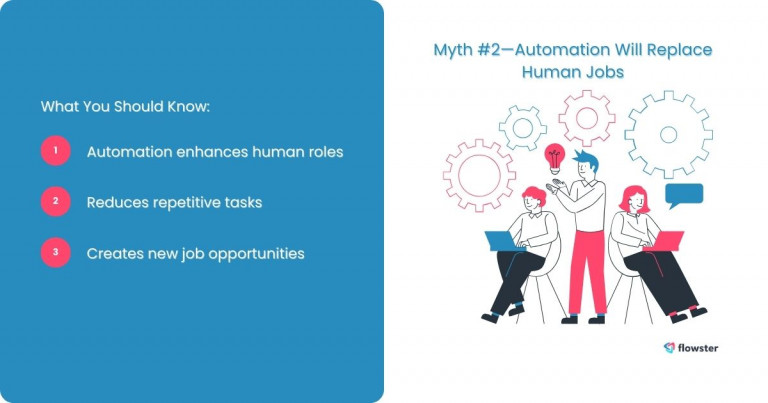
Myth #3—Workflow Automation Is Expensive and Complex
Many businesses hesitate to adopt automation due to concerns about cost and complexity. However, this is one of the most persistent workflow automation myths.
The Affordability of Modern Automation Solutions
Today, there are plenty of budget-friendly automation tools available. Many providers offer scalable pricing models, allowing businesses to start small and expand as needed. Cloud-based automation tools also eliminate the need for expensive hardware or IT infrastructure.
How No-Code and Low-Code Platforms Simplify Implementation
Automation no longer requires extensive coding expertise. No-code and low-code platforms enable businesses to establish automated workflows using simple drag-and-drop functionality. This means that even small businesses without technical teams can benefit from workflow automation.
The Return on Investment (ROI) of Automation
While there may be initial setup costs, automation quickly pays for itself by improving efficiency and reducing errors. Businesses that automate repetitive tasks often see significant time savings, increased productivity, and better customer satisfaction.
Automation is not limited to large corporations with substantial financial resources. If you’re ready to explore how automation can help your business grow, check out this article: Unlock Explosive Small Business Growth with SOPs, Workflows, and Automation.
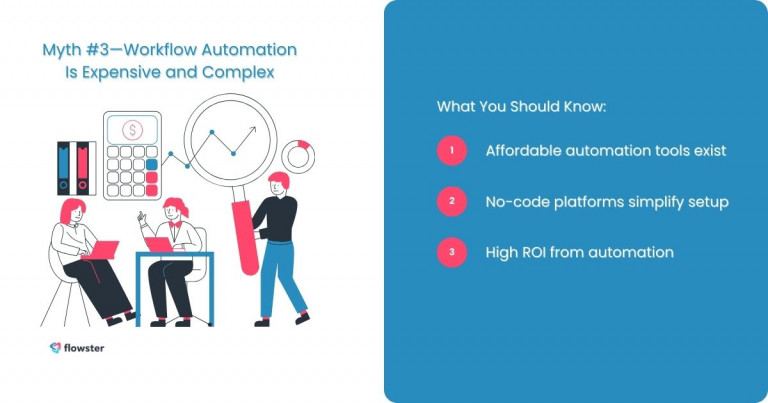
Myth #4—Automation Only Works for IT and Tech Companies
A common workflow automation myth is that only IT and tech companies can benefit from automation. In reality, businesses across various industries are successfully using automation to improve efficiency.
Automation in Healthcare, Finance, Marketing, and HR
Industries like healthcare use automation for patient scheduling and record-keeping, while finance companies automate invoicing and compliance tracking. Marketing teams utilize automation for email campaigns, and HR departments streamline hiring and onboarding processes.
Case Studies of Automation in Non-Tech Fields
Businesses in retail, logistics, and even agriculture have implemented workflow automation to optimize operations. For example, retail companies use automation for inventory management, while logistics firms enhance delivery tracking and scheduling.
Automation isn’t just for tech-savvy businesses—it’s for anyone looking to improve efficiency and scalability. If you’re wondering which processes you should automate in your business, check out this article: How to Identify Processes to Automate in Business.
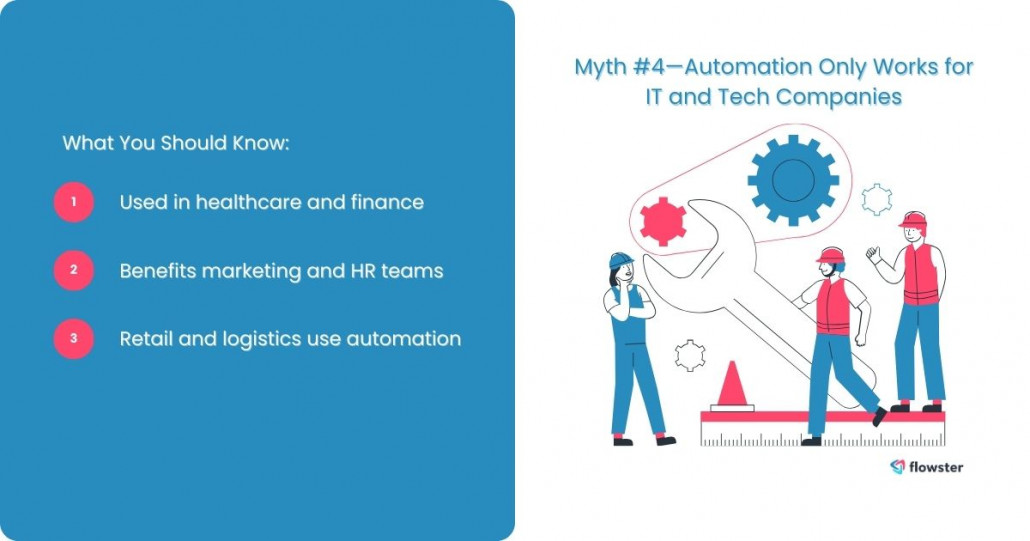
Myth #5—Once Set Up, Automation Runs Itself Without Maintenance
Many believe that once automation is implemented, it requires no further attention. This is one of the most misleading workflow automation myths.
Why Continuous Monitoring and Optimization Are Necessary
Automated workflows need regular monitoring to ensure they continue functioning correctly. Businesses should track performance metrics and troubleshoot any inefficiencies.
The Importance of Reviewing and Adjusting Automation Workflows
As business needs evolve, workflows should be adjusted to remain relevant. Regular audits help identify outdated or redundant processes that need updates.
Tips for Maintaining Automation Efficiency
Businesses should establish a review schedule and use analytics to optimize performance. Engaging employees in feedback loops also ensures smooth integration with daily operations.
For insights into optimizing your automated workflows, check out this article: The Role of Process Mapping in Continuous Improvement.
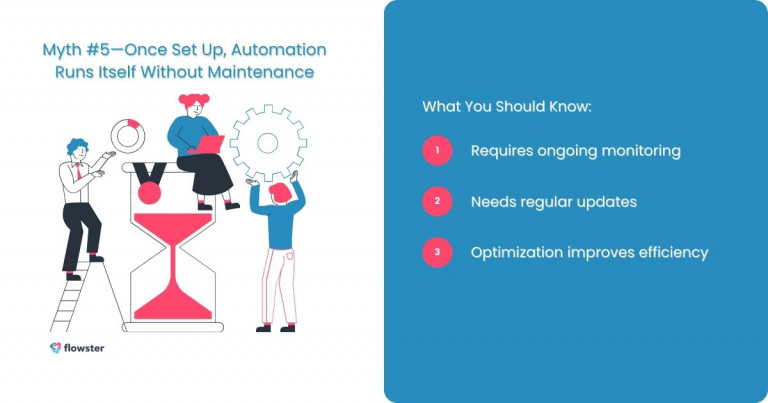
Myth #6—Automation Leads to Security and Compliance Issues
One of the most concerning workflow automation myths is that automation compromises security and compliance. However, well-implemented automation enhances security rather than weakening it.
Addressing Security Concerns
Reputable automation tools have built-in security measures, such as encryption and access controls, ensuring data protection.
Compliance with Industry Standards
Automation platforms often comply with regulatory requirements like GDPR, HIPAA, and SOC 2, making them a safe choice for businesses.
Best Practices for Secure Automation
Businesses should implement role-based access, conduct regular audits, and stay updated on security patches.
For more guidance, check out this article: Choose the Right Workflow Automation Software (FAST!).
Capture Your Processes in Minutes!
Conclusion: Embrace Workflow Automation With Confidence
Debunking these workflow automation myths makes it clear that automation is a valuable tool for businesses of all sizes. It enhances productivity, improves efficiency, and ensures smoother operations without eliminating human jobs.
If you’re ready to explore workflow automation, start with free templates available at Flowster Marketplace. These pre-built workflows help businesses implement automation quickly and efficiently.
Let automation take your business to the next level today!





One Response
Great insights! Many businesses hesitate to adopt workflow automation software due to common myths, but this article clears them up brilliantly. Automation boosts efficiency, reduces errors, and saves time. Thanks for sharing these valuable points! Looking forward to more content like this.