


Choosing an image platform has become harder than it first appears. At a glance, many tools look equally impressive: polished homepages, bold samples, and long model lists all suggest that the gap between products has disappeared. But once I spent real time comparing them, that surface-level impression broke down. In my testing, AI Image Maker stood out not because it tried to look the most dramatic, but because it kept more parts of the workflow understandable, fast, and repeatable.
That distinction matters. Many people do not need a tool that feels like a giant creative maze. They need a platform that helps them move from idea to image without being slowed down by unnecessary friction, excessive ads, or confusing choices. If the interface feels noisy, if loading is inconsistent, or if results are good but the overall experience is tiring, the quality of the platform drops in practice, even when the gallery looks strong.
So I approached this comparison less like a fan and more like a cautious user. I tested several popular platforms across the criteria that matter most in repeated use: image quality, loading speed, amount of advertising, update speed, and interface cleanliness. Those are not the most glamorous categories, but they shape whether a tool feels reliable after the first week, not just on the first click.
In that narrower and more practical frame, one platform came out ahead overall. It was not perfect, and I will note the limitations later, but it offered the best balance of output quality and day-to-day usability. That balance is why I ranked it first.
Why Practical Testing Changes Platform Rankings
The biggest mistake in this category is assuming that visual excitement and long-term usefulness are the same thing. They are not. A platform can generate one striking image and still be exhausting to use repeatedly. That is why I did not score these tools by hype, social media visibility, or sample-gallery drama.
Instead, I looked at how each product behaved under ordinary creative pressure, including platforms offering models such as GPT Image 2. Could I understand what to do immediately? Did the platform stay responsive? Was the interface clean enough to encourage experimentation? Did the product appear actively maintained? And perhaps most importantly, did the image quality justify the time spent?
These questions create a more grounded ranking. In my experience, users return to tools that reduce friction, not just tools that create the loudest first impression.
How I Structured This Five Platform Test
To keep the comparison fair, I evaluated five widely used image-generation options through the same lens: AIImage, Midjourney, Leonardo, Adobe Firefly, and Ideogram. I used simple creative prompts, some style-driven prompts, and some utility-oriented prompts such as product visuals, concept art, and text-heavy image requests.
Each platform received a score from 1 to 10 across five practical categories:
- Image quality
- Loading speed
- Amount of advertising
- Update speed
- Interface cleanliness
The final score is not a mathematical truth. It is a practical judgment based on hands-on use. Where a difference felt close, I kept the scoring conservative. The goal here is not to declare a universal winner for every user, but to show which platform felt strongest across the widest range of everyday needs.
Score Table Across Five Everyday Criteria
The table below summarizes the results of my comparison. Higher scores are better in every category, including the advertising column, where a higher score means fewer interruptions and less promotional clutter.
| Platform | Image Quality | Loading Speed | Ad Level | Update Speed | Interface Cleanliness | Overall Score |
| AIImage | 9.1 | 9.0 | 9.2 | 9.0 | 9.3 | 9.1 |
| Midjourney | 9.3 | 7.6 | 9.5 | 8.7 | 7.2 | 8.5 |
| Leonardo | 8.7 | 8.2 | 7.1 | 8.4 | 7.8 | 8.0 |
| Adobe Firefly | 8.4 | 8.5 | 9.0 | 8.3 | 8.6 | 8.6 |
| Ideogram | 8.5 | 8.3 | 8.4 | 8.1 | 8.2 | 8.3 |
One thing becomes clear immediately: no platform wins every single column. Midjourney remains extremely strong in raw visual quality, while Adobe Firefly benefits from a polished environment. Ideogram continues to be useful, especially when text rendering matters. Leonardo offers flexibility, though sometimes at the cost of interface clarity.
The platform I ranked first did not win by overpowering every competitor in one category. It won because it stayed consistently strong across all five.
Why The Top Ranked Platform Felt Strongest
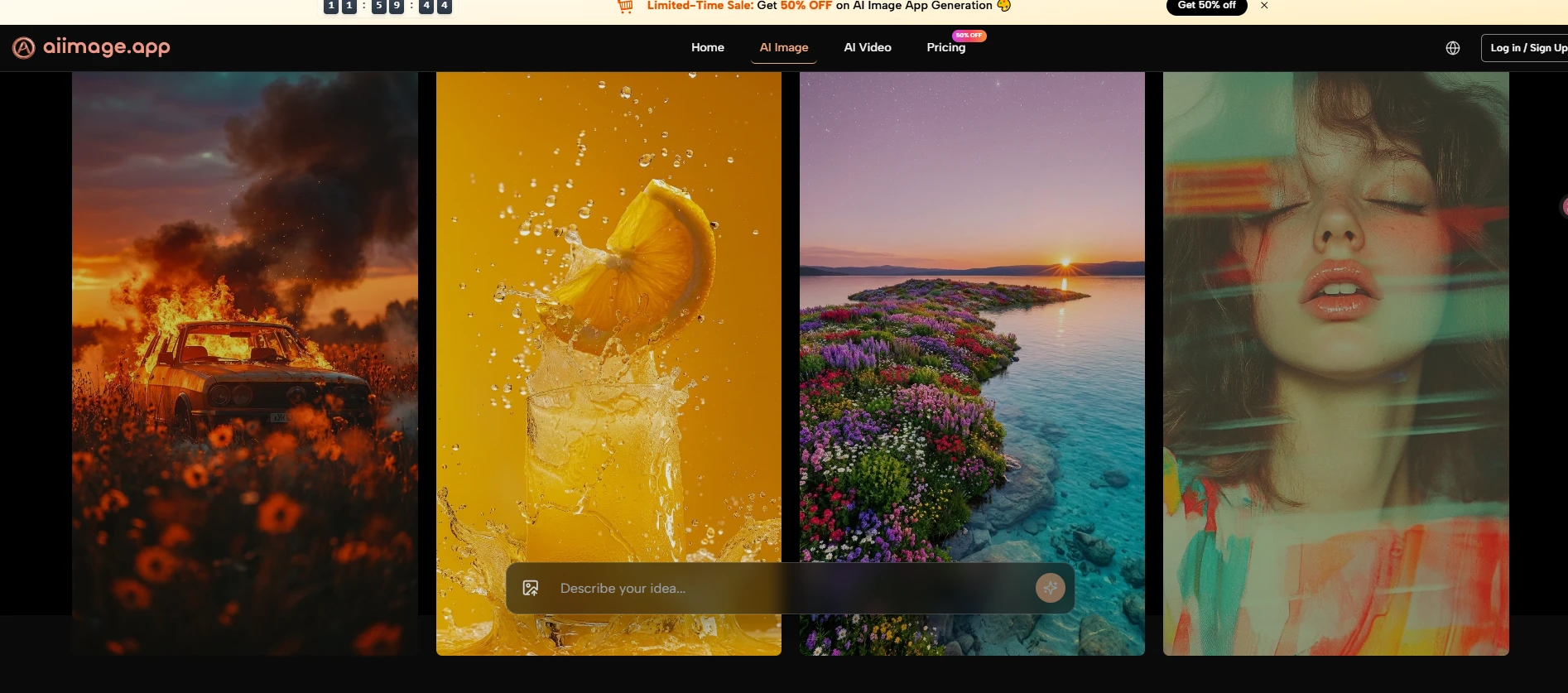
The clearest strength of the first-place platform was balance. In practice, it felt less like a single-purpose novelty generator and more like a coherent visual workspace. The official structure also supports that impression. From what the platform presents publicly, users can generate images from text, work from uploaded images, experiment with different models, and move through a fairly direct creation flow without having to decode a complicated interface.
That matters more than it sounds. Some products are powerful but fragmented. Others are visually polished but too narrow. The top-ranked platform avoided both extremes. It gave me enough control to test different ideas, but it kept the path from input to result clean.
Another advantage was the way the platform brings several visual models into one environment. That reduces the need to jump between tools just to compare output styles or capabilities. During testing, this made iteration feel easier and faster, especially when trying to refine the same concept in different directions.
The other big factor was the lack of friction from visual clutter. Compared with more crowded interfaces, this platform felt calmer. That improved the experience in a subtle but important way. A clean interface does not automatically make a platform better, but it often makes experimentation more sustainable.
Where Competing Platforms Still Deserve Credit
A fair comparison should admit where the alternatives remain compelling. Midjourney still performs very well when the priority is highly stylized or visually rich image output. It can produce impressive results, especially for users who already understand how to steer prompts carefully. The tradeoff, in my experience, is that the surrounding workflow can feel less straightforward for users who want simplicity.
Adobe Firefly deserves credit for a polished and accessible environment. It often feels stable and well organized, which is valuable for mainstream users and teams. Its results may not always feel as adventurous as some rivals, but the platform experience is dependable.
Leonardo remains relevant because it offers flexibility and a broad feature set. For some users, that range is a strength. For others, it can create decision fatigue. Ideogram also remains a good option, particularly when text rendering or certain design-oriented outputs are important.
This is why the ranking is not meant to dismiss other tools. It is meant to show which product felt strongest when the entire experience, not just the headline output, was considered.
What The Official Workflow Suggests About Usability
The public workflow presented on the platform is one reason I felt comfortable ranking it highly. The steps are visible and understandable. That matters because too many AI products market themselves in vague language, making it hard to know whether the tool is actually simple or merely advertised as simple.
The official process suggests a direct sequence: you begin with a prompt or image input, select a model, generate the result, and continue refining if needed. There is also public emphasis on multiple model options and image-based workflows, which makes the platform feel designed for both quick creation and iterative adjustment.
That is a more meaningful advantage than it may seem. A platform becomes easier to trust when its workflow can be described clearly without inventing missing steps.
Using The Platform Through Its Public Flow
The good news is that the official process is simple enough to describe without guesswork. In my reading of the public pages, the image workflow is direct, and that simplicity is part of the platform’s appeal.
Step One Starts With Prompt Or Image Input
The first step is straightforward: begin with a text prompt, or upload an image if you want an image-to-image workflow instead of pure text generation. This is useful because not every user starts in the same way. Some people begin with a written idea, while others already have a source image they want to transform.
Input Choice Shapes The Creative Direction
In practice, this input choice changes the whole session. Text input is better for open-ended exploration, while image input is better when you already have structure, composition, or subject matter you want to preserve and reinterpret.
Step Two Selects Model And Output Setup
After that, the next step is choosing a model and related settings. The platform publicly presents multiple model options, which is one of its major strengths. Depending on the page and workflow, users can also work with ratio or resolution choices.
Model Selection Influences Tone And Behavior
This step matters because the model is not just a technical option. It shapes the character of the result. In testing, model choice often influenced realism, prompt sensitivity, texture handling, and how closely the result matched the original intent.
Step Three Generates The First Visual Result
Once the prompt and model are set, the platform generates the image. This is the moment where speed and clarity matter most, because it determines whether iteration feels inviting or exhausting.
First Results Should Be Treated As Drafts
In my experience, the smartest way to use any image generator is to treat the first output as a working draft, not a final masterpiece. That mindset helps users evaluate the platform more fairly and often leads to better creative decisions.
Step Four Refines The Output If Needed
The public workflow also suggests continuing refinement after the initial generation. On the platform’s image pages, that can mean following up with more prompt detail, adding reference direction, or adjusting the generation path based on what the first result reveals.
Iteration Is Part Of The Real Experience
This is worth emphasizing because no serious image platform is effortless magic. Even strong tools usually require a few rounds before the result fully aligns with the user’s intention. A platform should not be judged by whether it is perfect instantly, but by whether it makes revision feel manageable.
What Limits Still Matter In Real Use
Even though I ranked this platform first, it is still important to state its limitations plainly. The first is that prompt quality still matters. Better instructions usually produce better results, and weaker prompts can lead to results that feel generic or slightly off-target. That is normal across the category, but it should be said clearly.
The second limitation is that multiple generations may still be necessary. In my testing, the strongest outputs often came after some refinement, not on the first try. That does not weaken the platform’s value, but it does remind us that AI image tools are collaborators, not mind readers.
A third limitation is that different models can produce different strengths, which means new users may need some experimentation before they understand which option best fits their goals. That learning curve is not severe, but it exists.
This is why I prefer to describe the platform as a strong and practical first choice rather than a perfect one. That distinction makes the recommendation more believable and, in my view, more useful.
For users working with visuals that are almost right but need more room around the edges, it can also be useful to explore ai image extender tools as part of the same revision process.
Why The Final Ranking Still Feels Earned
After comparing five major options, I ended up returning to the same conclusion: the platform I ranked first delivered the best total experience, not just the most exciting isolated result. Its strengths were cumulative. Strong image quality, fast enough response, very low visual clutter, a cleaner interface, and a workflow that is easy to describe all added up.
Later in the process, I also found the model variety meaningful. The ability to work in one place instead of constantly jumping across separate tools made experimentation more coherent. That becomes especially useful once you move beyond casual play and start using the platform for repeated creative work.
For readers who care only about one narrow strength, another platform may still be the better fit. But for readers who want a balanced tool that combines quality with usability, I think the result of this test is reasonable. In that context, the later-stage model option GPT Image 2 helps reinforce the sense that the platform is being built as an actively evolving visual environment rather than a static one.
So the ranking is not based on hype. It is based on repeat use, moderate expectations, and the simple question that matters most: which platform makes you most willing to come back tomorrow and create again? In my testing, this one did.

