


For most of its early life, Google’s Veo 3 was something creators admired from a distance—powerful, widely praised for its cinematic quality, but effectively locked behind enterprise pricing and complex API setups. Independent video makers, small agencies, and social media teams rarely had practical access to its most breakthrough feature: native audio generation that delivers synchronized dialogue, ambient sound effects, and background music in a single output. That gap is precisely where Veo 3 comes in. Veo 3 operates as a unified web-based dashboard that brings together Veo 3 and more than twenty additional generation models under a transparent, credit-based system. After spending two weeks testing its workflows across real production scenarios—from rapid social clips to cinematic concept reels—the pattern is clear: the platform is designed not around feature checklists, but around the actual friction points creators face when moving from idea to publish-ready video.
More Than One Engine: Why Model Choice Changes Your Production Workflow
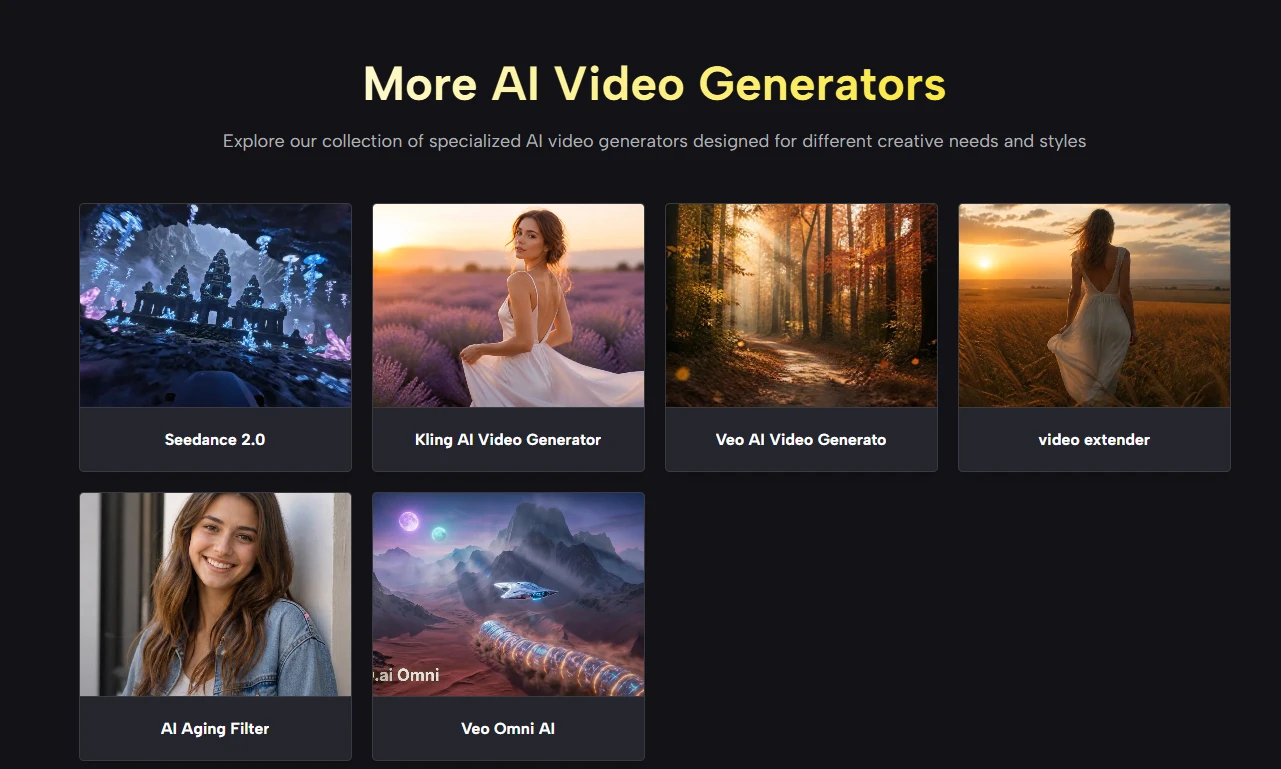
Most AI video platforms lock you into a single model. You accept that model’s specific quirks, its particular strengths, and its unavoidable limitations. videoe.ai abandons that assumption entirely. The platform aggregates models from Google, ByteDance, Kuaishou, Alibaba, Runway, and xAI, all accessible from the same interface without managing separate accounts or subscriptions.
The Real‑World Impact of Having 20+ Models in One Place
In practice, this flexibility solves a problem that isn’t obvious until you start generating at scale. A single model might excel at natural landscapes but produce stiff character motion. Another might handle smooth camera work but lack subtle lighting control. Having instant access to multiple engines lets you match the tool to the job rather than forcing every job through the same engine.
- Veo 3 Premium consistently delivers the highest‑quality cinematic output with native audio baked in—ideal for polished brand spots or narrative scenes where production value matters most.
- Seedance 2.0 Fast generates a 480p preview in under 15 seconds, which transforms how you test concepts. Instead of burning premium credits on trial runs, you can draft iterations rapidly and commit only when the direction feels right.
- Kling 3.0 handles smooth motion and intentional camera work with noticeable fluency, making it a strong choice for product reveals or scenes with complex subject movement.
From a practical user perspective, switching between models feels like selecting lenses on a camera—each serves a distinct creative purpose. The interface keeps all options visible without overwhelming newcomers, and the underlying cost model (credits vary by model and quality tier) encourages thoughtful selection rather than blind trial.
Native Audio: The Feature You Notice Immediately
If you’ve generated AI video elsewhere, you know the rhythm: generate silent footage, export it, then open another tool to source music, record or generate voiceover, add sound effects, and manually sync everything. That post‑production pass often doubles the time spent per clip. videoe.ai sidesteps this entirely by embedding audio generation directly into the video creation process using Veo 3’s native capabilities.
How Synchronized Audio Changes the Editing Equation
In my testing, the audio output is not an afterthought filter applied after rendering—it emerges as an integral part of the scene. Urban prompts generate street noise and distant traffic. Coastal scenes include wave sounds layered with appropriate ambient textures. Character lip movements visually align with dialogue. The result is a clip that feels substantially more complete than the silent‑plus‑voiceover alternatives common elsewhere.
The practical implication for content creators is straightforward: you can go from a text description to a publish‑ready short video entirely within the platform’s interface, without timeline editing, audio sourcing, or sync adjustments. For marketing teams running social campaigns or independent creators producing regular short‑form content, this compression of the production timeline is where the platform creates genuine value.
The Onboarding Experience: What the Interface Actually Looks Like
videoe.ai follows a production‑first interface that minimizes clicks between idea and output. New users receive 100 free credits on sign‑up, with an additional 100 credits available weekly through daily check‑ins—meaning active users maintain a renewable generation budget without immediate pressure to subscribe. The interface contains four primary zones: the model selector, the prompt input area, the prompt library, and the chat mode interface.
Step 1: Choose Your Model and Input Type
Model Selection Dictates Output Characteristics
The dropdown menu presents all available models organized by provider, with Veo 3 Premium positioned as the default high‑quality option. Input type toggles between text‑to‑video and image‑to‑video—the latter accepts uploaded reference images to guide subject consistency and visual style. From a practical workflow perspective, image‑to‑video offers noticeably stronger control over character appearance and scene composition compared to prompt‑only generation.
Step 2: Write or Generate Your Prompt
Two Distinct Pathways into the Generator
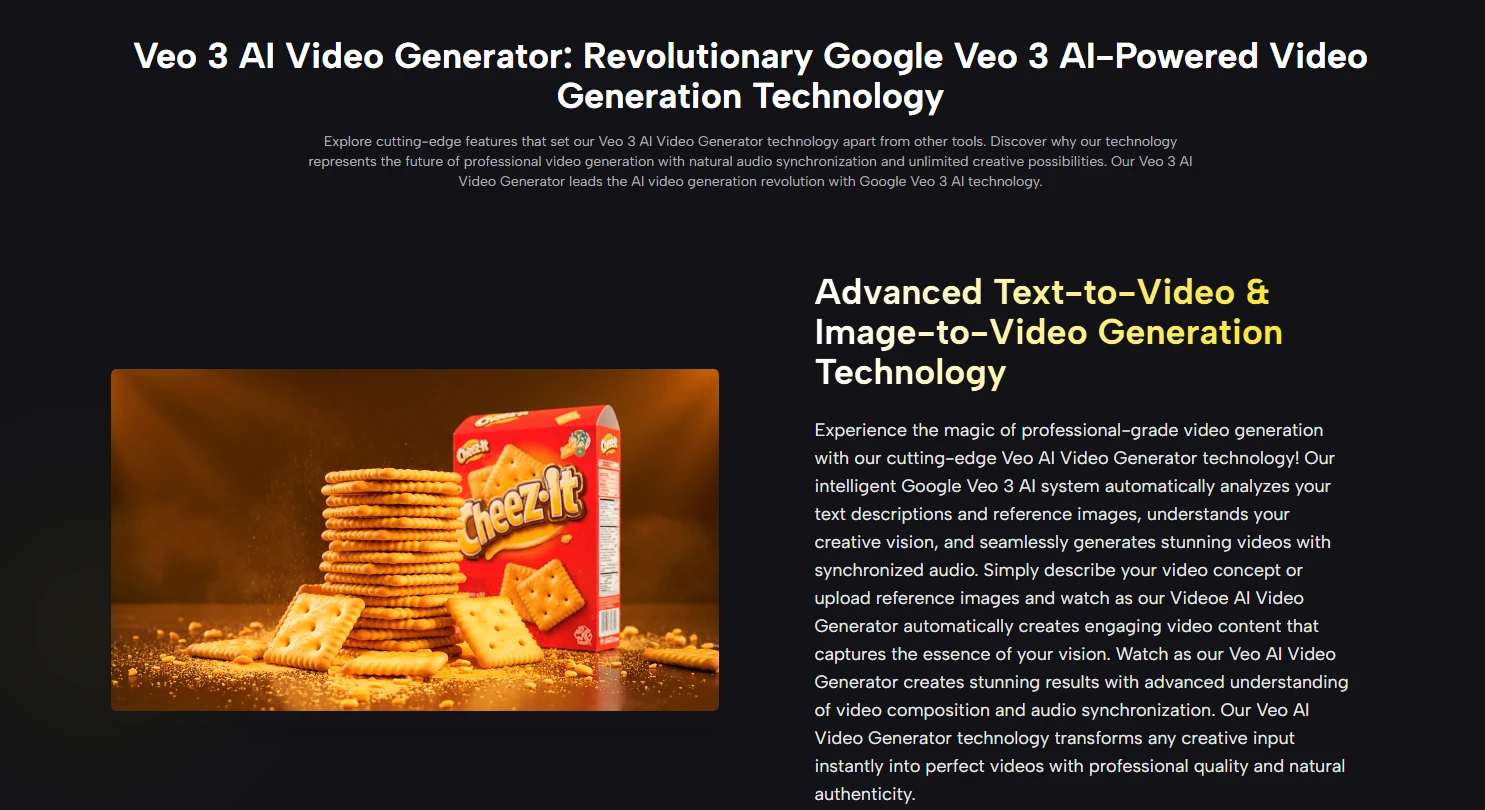
The platform offers two fundamentally different ways to express your creative intent. Standard prompt input works as expected: you write a description, click generate, and receive output. Where videoe.ai differentiates itself is the Veo 3 Prompt Hub—a curated library of community‑sourced, production‑tested prompts, each paired with the actual video output it generated. Each prompt in the library includes a “Use It” button that loads the prompt directly into the generator without copying or manual editing.
For users who have a concept but don’t know how to translate it into model‑optimized language, the platform also offers an AI Prompt Generator that accepts plain‑language descriptions (e.g., “a slow product reveal for a luxury watch in foggy mountain light”) and returns a structured, Veo 3‑optimized prompt with camera direction, lighting notes, and audio suggestions. Free users receive three AI prompt generations daily.
Step 3: Use Chat Mode for Conversational Iteration
From One‑Shot Generation to Directed Dialogue
Chat Mode represents a meaningful departure from standard AI video workflows. Rather than requiring a complete, perfectly structured prompt up front, it accepts natural language descriptions and engages in clarifying conversation. The AI Video Agent behind it analyzes the creative request, breaks it into an actionable generation plan, and walks through each step before rendering begins. Context persists across the conversation—a follow‑up like “make the lighting warmer and slow the pacing” is understood in relation to what was already generated rather than treated as an isolated new request.
In testing, this conversational approach reduced the learning curve substantially for complex scenes. Instead of burning credits on trial‑and‑error prompt adjustments, the agent helped refine direction before generation, resulting in fewer wasted generations per finished clip.
Step 4: Review, Regenerate, or Download
Evaluation Happens Before Credits Are Deducted
A small but significant interface detail: preview generation consumes substantially fewer credits than full‑quality output for select models such as Seedance 2.0 Fast. This allows for rapid concept testing before committing to premium generation. When satisfied, downloads export without watermarks at up to 1080p on free credits. All generated videos carry full commercial usage rights, which removes the legal friction that often complicates free‑tier AI tool usage.
Where videoe.ai Excels and Where It Shows Constraints
A transparent assessment requires acknowledging both strengths and limitations based on real usage patterns.
| Dimension | videoe.ai Performance | What This Means for You |
| On‑ramp friction | Zero‑cost testing with 100 free credits on sign‑up, plus weekly renewal through daily check‑ins | Low‑risk evaluation before committing to paid plans; viable for ongoing light production |
| Output readiness | Native audio generation eliminates post‑production sync work | Significantly faster from concept to publication, especially for social short‑form |
| Model flexibility | 20+ models accessible from one dashboard, each with distinct strengths | Match engine to project type rather than forcing all work through a single model |
| Creative starting points | Prompt Hub provides tested, example‑paired prompts with one‑click loading | Removes the blank‑page problem; useful learning resource for prompt structure |
| Conversational generation | Chat Mode handles natural language description with context retention | Lowers the skill floor for newcomers; reduces wasted generations from prompt errors |
| Consistency across outputs | Subject and scene coherence varies with prompt quality and model choice | Complex scenes with multiple moving subjects may require multiple generation attempts |
Real Limitations Worth Noting
Prompt quality significantly influences output quality. A vague or underspecified prompt will produce visually ambiguous results regardless of which model you select. Complex scenes with multiple interacting subjects or precise motion requirements may require multiple generation attempts before achieving the intended composition. The platform does not guarantee identical results from identical prompts across different generation sessions—output variation is inherent to the current state of generative video models. Additionally, lengthy narrative sequences requiring multi‑clip continuity remain challenging, as each generation produces standalone clips rather than extended, storyboarded scenes.
Who This Platform Actually Serves
Based on real usage patterns, videoe.ai fits several distinct creator profiles. Social media teams benefit most from the native audio integration—the ability to generate finished clips without separate sound design work compresses turnaround times substantially. Independent filmmakers and concept artists leverage the Prompt Hub and multi‑model access to explore visual directions rapidly before committing to production budgets. Marketing agencies working across multiple client verticals appreciate the model flexibility, switching between cinematic Veo 3 outputs for brand spots and rapid Seedance 2.0 Fast drafts for internal concept reviews. Hobbyists and beginners find genuine value in the conversational Chat Mode and the Prompt Hub’s example‑driven learning structure, which lowers the skill floor without forcing paid upgrades.
The platform is less suited for teams requiring granular post‑generation editing controls within the same interface—fine‑tuning specific frames or adjusting camera angles after generation is not a native capability. For those workflows, the platform functions as a generation engine feeding into traditional editing timelines rather than an all‑in‑one finishing tool.
From Practical Testing to Production Reality
What emerges from two weeks of real use is a platform that prioritizes workflow efficiency over feature bloat. The decision to embed native audio directly into generation eliminates the single largest post‑production friction point in most AI video pipelines. The multi‑model architecture acknowledges a reality that single‑engine platforms ignore: no model is best for everything, and forcing creators to choose one ahead of time misunderstands how actual production works. And the credit system, with its renewable free tier and transparent commercial rights, aligns cost with usage in a way that feels fair rather than extractive.
Veo AI is not positioned as the final word in AI video generation—the field is moving too quickly for any tool to claim that crown. But as a practical, accessible gateway to Veo 3’s native audio capabilities and a flexible multi‑model environment, it offers something genuinely useful: a production path that removes more friction than it adds, respects creator autonomy through model choice, and lets you focus on the actual work of storytelling rather than the tooling around it.

