
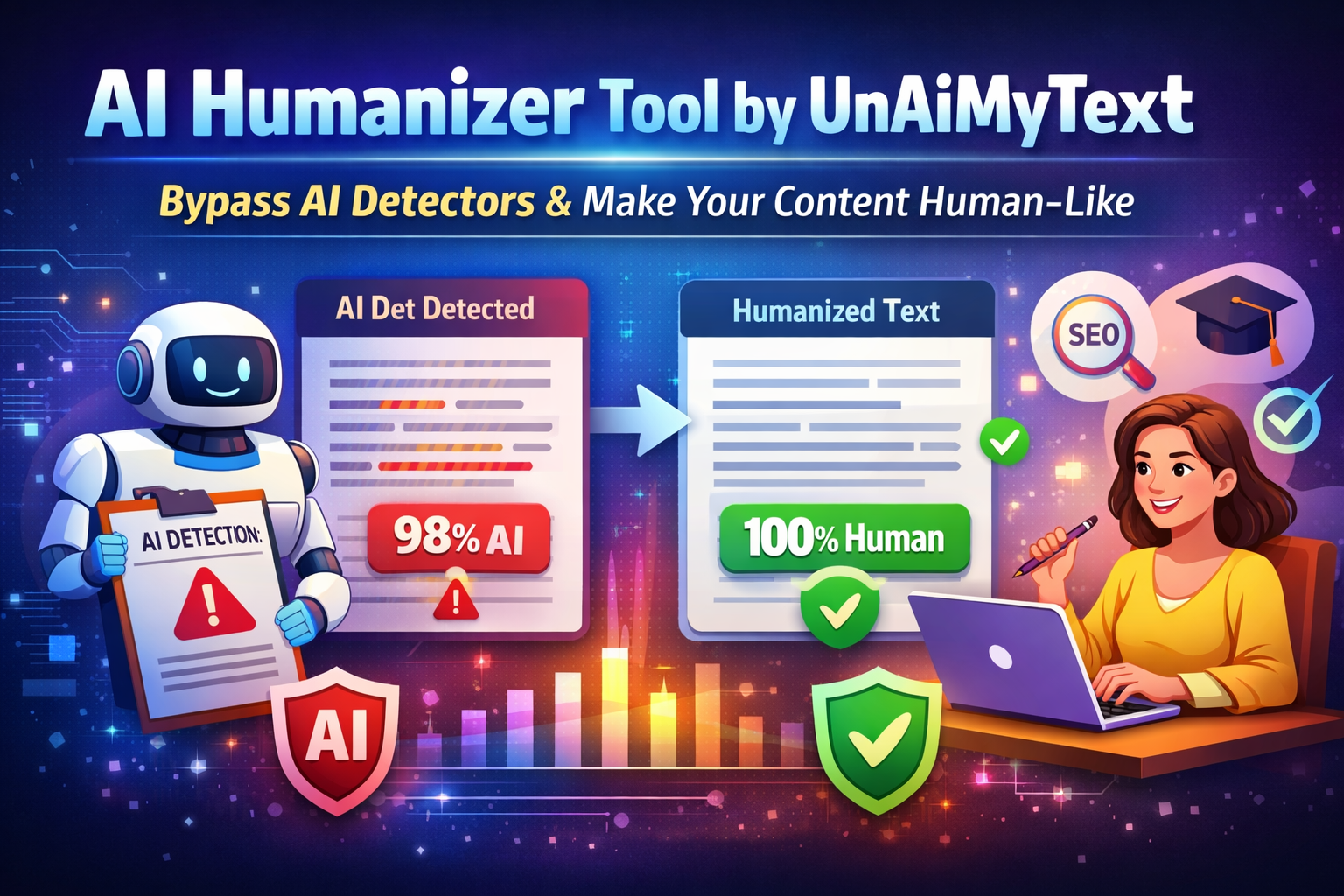

In 2025–26, AI writing tools like ChatGPT, Jasper, Bard, and others have revolutionized content creation, but they’ve also triggered a new problem: AI detection systems that flag machine‑generated text. This has left writers — students, marketers, SEO pros, and bloggers scrambling for ways to make content sound human. That’s where tools like UnAiMyText AI Humanizer come into play.
What Are AI Detectors & Why They Matter
Before diving into humanizers, it’s important to understand the problem they’re trying to solve.
AI Detection Explained
AI detectors like GPTZero and Turnitin AI analyze text using linguistic patterns, perplexity, and entropy to determine how likely content was generated by an AI model.
Typical detection indicators:
- Predictable sentence structure
- Uniform vocabulary patterns
- Low textual “burstiness” (variation in flow)
- High repetitiveness
These systems are increasingly used in:
- Universities (to catch AI‑assisted essays)
- Businesses (to verify authenticity)
- Search engines (to prioritize human‑like content)
Why it matters:
Content flagged as AI‑generated can lead to lower search visibility, rejection in academia, or a loss of credibility among readers.
Introducing UnAiMyText AI Humanizer: Making AI Text Sound Truly Human
What Is UnAiMyText AI Humanizer?
UnAiMyText is an online AI-powered tool that specializes in humanizing AI-generated content. Its core mission is to ensure that content:
- Reads naturally to humans
- Passes readability and engagement tests
- Reduces detection likelihood by AI-detection software
Unlike generic paraphrasing tools, which often swap words mechanically, UnAiMyText uses advanced natural language processing (NLP) algorithms that understand sentence structure, context, and flow. This allows the output to retain the essence of your content while enhancing its human qualities.
Key Features
- Human-Like Sentence Restructuring
The AI Humanizer doesn’t just change words, it rearranges sentences and phrases so they mimic natural human writing. For example, it can convert passive voice to active voice or break long AI-generated sentences into shorter, more digestible ones. - Vocabulary Variation
One of the biggest giveaways of AI content is repetitive vocabulary. UnAiMyText intelligently swaps overused words and phrases with contextually appropriate alternatives, making your text more dynamic and engaging. - Tone and Style Adjustments
Whether you want formal, conversational, or persuasive writing, UnAiMyText allows you to tweak the tone to match your target audience. This ensures the content aligns with your brand voice or personal style. - SEO-Friendly Output
Unlike some rewriting tools that compromise keyword optimization, UnAiMyText keeps your SEO structure intact. Keywords are preserved naturally without making the content feel forced. Pairing humanized content with an AI visibility tool can also help marketers monitor how their content performs in AI-powered search experiences. - Multilingual Support
If you create content in multiple languages, UnAiMyText can humanize text in major languages like English, Spanish, French, and more. This is a huge advantage for global marketers or multilingual content creators.
Strengths of UnAiMyText AI Humanizer
Like any AI tool, UnAiMyText AI Humanizer comes with its advantages and limitations. Understanding these can help users maximize its benefits while avoiding potential pitfalls. Let’s dive deeper into what makes it stand out — and where it falls short.
Strengths
1. Effortless Humanization
One of the biggest strengths of UnAiMyText is its ease of use. Users don’t need advanced writing or technical skills to make AI-generated content sound natural. The simple copy-and-paste interface allows you to transform AI text into more human-like writing in seconds.
2. Free and Accessible
UnAiMyText offers free usage for basic humanization tasks, which makes it extremely accessible for students, freelancers, and small businesses. While some advanced features might be behind a paid plan, the free version is enough for most casual users.
3. Privacy-Focused
Unlike many online rewriting tools, UnAiMyText does not store your content, ensuring privacy for sensitive documents, academic essays, or marketing materials. This is particularly useful for professional or confidential content.
4. Enhanced Readability
AI-generated text often suffers from repetitive patterns, lack of flow, or unnatural phrasing. UnAiMyText significantly improves sentence structure, word choice, and flow, making the content more engaging for readers.
6. SEO-Friendly
Unlike some paraphrasing tools that compromise on keyword placement, UnAiMyText keeps keywords intact while adjusting sentence flow and word choice. This ensures that your content remains optimized for search engines.
UnAiMyText is exceptional for improving readability, flow, and tone of AI-generated content, making it easier for humans to engage with. However, users should not fully rely on any bypass tool or as a substitute for careful editing and review.
Humanizing an AI draft is only half the job. The other half is making sure the thinking and sourcing behind it are actually yours, which is where Grammarly’s Authenticity Suite comes in. Its Humanizer helps writers revise AI-assisted drafts so they read naturally and stay closer to their own voice, with a custom voice option that can learn from a sample of past work.
Around that, Citation Finder helps writers identify and credit sources, Plagiarism Checker reviews originality, AI Detector offers a signal for how a passage may be perceived, and Authorship shows how a document came together. Revision, originality, and attribution end up handled in one workflow, so the finished piece sounds like the writer and shows how it was built.
Best Practices to Actually Improve Human Feel & Avoid Detection Flags
Even with advanced AI humanizers like UnAiMyText, no tool can guarantee a 100% bypass of AI detectors. Sophisticated detectors such as GPTZero, ZeroGPT, Turnitin AI, and others analyze multiple aspects of text, including structure, word choice, sentence variety, and “burstiness.”
To maximize the natural feel of AI-generated content and reduce detection flags, it’s essential to combine AI humanization with strategic manual editing. Below are the best practices to ensure your content reads authentically human and maintains high readability.
1. Inject Personal Voice and Style
AI tools generate text in a neutral, generic tone. One of the easiest ways to humanize your content is by adding your personal voice:
- Include anecdotes, personal experiences, or examples.
- Use conversational expressions or idioms when appropriate.
- Add subtle humor or rhetorical questions to engage readers.
2. Vary Sentence Length and Structure
One of the most common signs of AI-generated content is uniform sentence length and structure, which reduces readability and flow.
- Mix short sentences for punch and emphasis with longer, descriptive sentences for context.
- Use a combination of active and passive voice, but lean towards active for a human touch.
- Break long paragraphs into smaller, digestible chunks for better visual flow.
3. Edit Vocabulary Thoughtfully
AI often relies on repetitive or predictable vocabulary, which detectors can pick up.
How to fix it:
- Replace repeated words with synonyms or context-appropriate alternatives.
- Introduce idiomatic expressions or everyday language.
- Avoid overcomplicated, rare words that feel forced.
4. Use Formatting to Improve Readability
Humans naturally structure content with visual cues: headings, bullet points, and lists. Proper formatting makes text look human-written and improves engagement.
- Break content into short paragraphs (2–4 sentences each)
- Use bullet points, numbered lists, and subheadings
- Include bold or italic text to highlight key points
- Use quotes or callouts for emphasis
5. Mix AI Humanizer Output With Manual Editing
The best approach is hybrid: use UnAiMyText for automated humanization, then manually tweak:
- Reorder sentences for context
- Add personal anecdotes or examples
- Check tone, readability, and keyword placement
6. Keep SEO and Readability Balanced
When humanizing text, don’t compromise SEO:
- Keep keywords naturally in the text
- Use headings and subheadings with relevant keywords
- Ensure readability scores remain high (tools like Hemingway Editor or Grammarly help)
Conclusion
Tools like UnAiMyText AI Humanizer provide a practical solution, helping writers, marketers, and students transform mechanical AI outputs into readable, engaging content.
By intelligently restructuring sentences, varying vocabulary, and adjusting tone, UnAiMyText makes AI text feel more authentic while saving hours of manual editing.
However, it’s important to set realistic expectations. While UnAiMyText improves readability and human feel, it is not a guaranteed bypass for AI detection tools.


2 Responses
Ok show me the requirements
The useful point here is that detector scores need context, not blind trust. In real editing work, repeated structure, vague transitions, and overly even sentence rhythm are often more revealing than a single percentage. I work on a small browser-based checker for AI-assisted drafts, and this kind of article is a good reminder that the final decision still needs human review. Which signal do you think is most reliable for writers to check before publishing?