
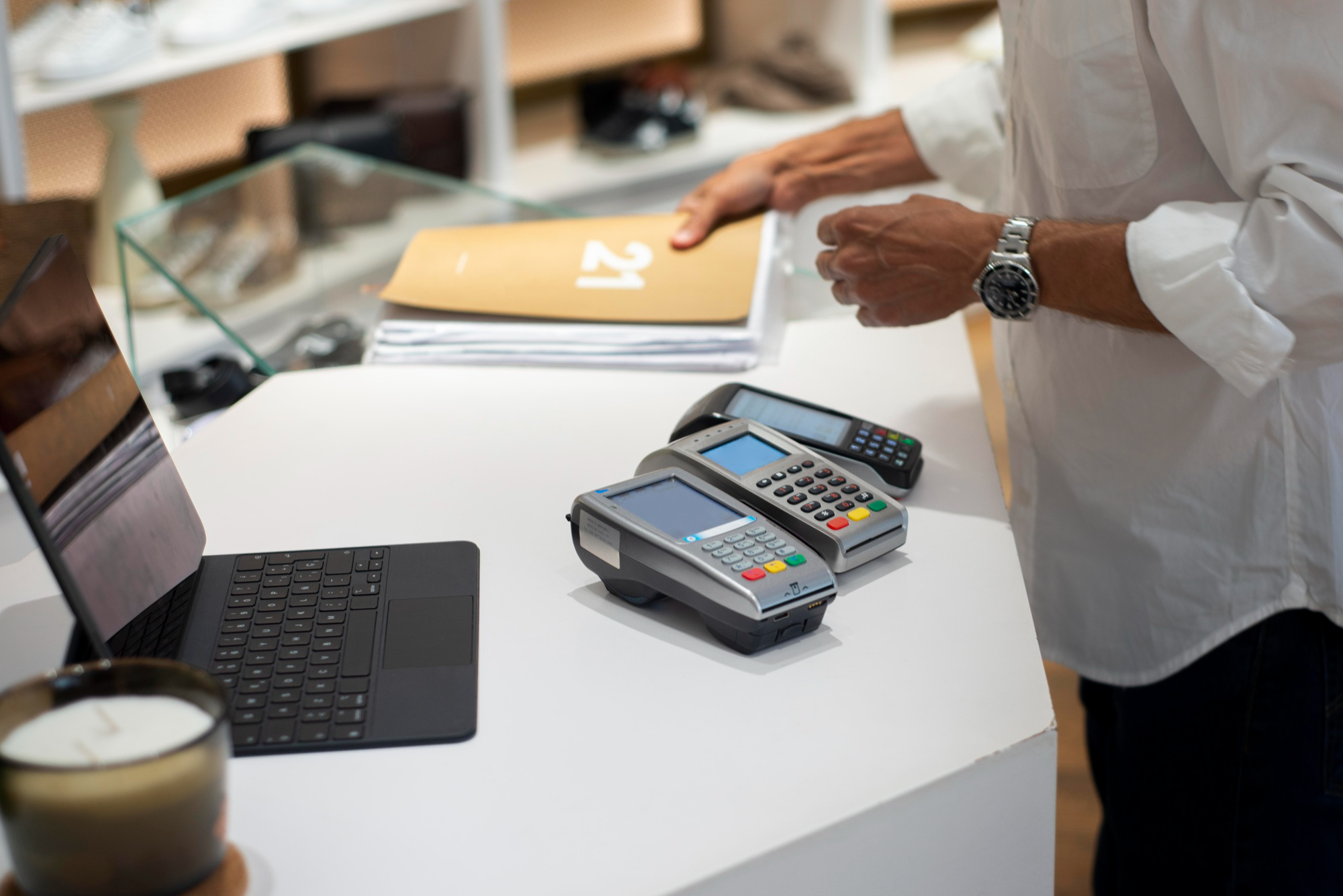

Retail and restaurant businesses often struggle with inefficiencies that disrupt daily operations and frustrate both staff and customers. Inconsistent processes, delays at checkout, and errors in handling orders or inventory can quickly add up to lost revenue and poor experiences.
The key to overcoming these issues lies in combining structured workflows with the right technology. Businesses can transform disorganized routines into efficient operations by aligning Standard Operating Procedures with a modern Point of Sale system. This article explores how integrating a POS into your SOPs creates lasting improvements in accuracy, speed, and overall performance.
Why POS Systems Matter in Retail & Restaurants
A reliable POS system streamlines the entire flow of operations. In retail, it speeds up checkout, minimizes transaction errors, and keeps shelves stocked through real-time inventory updates. In restaurants, it ensures orders move seamlessly from tables to the kitchen, reducing delays and mistakes that frustrate customers.
Without a POS, staff often rely on manual steps that are time-consuming and prone to errors, leading to inconsistent service. When integrated into documented SOPs, a POS becomes even more powerful.
Employees follow the same structured process while the system handles accuracy and speed, creating consistency across shifts and locations. The result is smoother operations, better customer experiences, and more reliable performance every day.
Identifying SOPs That Can Benefit from POS Integration
Many routine tasks in retail and restaurants become more efficient when supported by a POS system. Embedding these steps into SOPs eliminates guesswork and ensures staff follow consistent and reliable processes. The focus should be on automation of workflows that are repetitive, time-sensitive, or prone to errors when handled manually.
In retail, POS integration strengthens SOPs for:
- Stock updates: Real-time inventory adjustments prevent shortages or overstocking.
- Returns and exchanges: Automated tracking ensures accuracy and reduces fraud.
- Cash handling: Digital records simplify reconciliation and improve transparency.
In restaurants, POS adds value to SOPs for:
- Order-taking: Faster input and fewer mistakes compared to handwritten notes.
- Kitchen communication: Direct order transfer reduces delays and confusion.
- Closing procedures: Built-in reports streamline daily reconciliation.
By targeting these areas, businesses can transform routine operations into structured and error-free workflows.
Step-by-Step Process of Integrating a POS System into SOPs
Integrating a POS system into your SOPs works best when you follow a structured approach. Here’s how to do it effectively:
1. Document Workflows
Begin by documenting your existing workflows with a tool like Flowster. Capture each step in detail so you have a clear picture of current operations. When documenting workflows, businesses should also consider modern POS solutions for small business operations that align with SOPs for smoother execution and better results.
2. Pinpoint Integration Points
Identify where the POS can add the most value. Common areas include stock updates, order processing, kitchen communication, and cash handling.
3. Update SOPs with POS Instructions
Revise your SOPs by embedding clear POS directions. For example, outline steps like logging in, selecting items, processing transactions, or generating reports.
4. Train Staff and Test
Provide hands-on training to ensure employees understand the updated SOPs. Run test cycles to confirm workflows are practical and efficient.
5. Continuously Refine Procedures
Gather feedback and review POS performance data regularly. Adjust SOPs as needed to maintain accuracy, consistency, and efficiency.
Benefits of POS-Enabled SOPs
Integrating a POS system into your SOPs creates a structured framework that enhances efficiency, accuracy, and consistency across daily operations. Key benefits include:
- Faster and more consistent service: Streamlined checkouts, accurate orders, and real-time inventory updates.
- Improved staff accountability: Standardized steps make it easy to track responsibilities and reduce errors.
- Data insights for management: POS reports on sales, inventory, and peak hours feed directly into process reviews.
- Easier onboarding and training: Documented SOPs with built-in POS steps help new employees adapt quickly.
Tools to Support POS + SOP Integration
Technology plays a big role in making POS-enabled SOPs easy to create and follow. Platforms like Flowster help businesses build run-ready SOP templates that staff can use right away. Instead of static documents, Flowster turns procedures into interactive workflows that guide employees step by step.
For example, templates can be built for daily closing routines, cashier balancing, or end-of-shift reports, each with POS actions clearly embedded. This ensures staff follow the same standardized process every time, reducing mistakes and saving time.
Flowster also integrates with other apps through automation tools, making it possible to connect SOPs with scheduling systems, communication platforms, and reporting dashboards for seamless, end-to-end efficiency.
Choosing the Right POS for Your Business
Selecting the right POS system is crucial to ensure it aligns well with your SOPs and overall business needs. Usability should be a top priority like staff should be able to navigate the system easily without extensive training. At the same time, the POS must be affordable, offering strong value for its features, and it should include integration capabilities so it can connect with accounting, inventory, or workflow tools.
Customization also matters. Retail businesses often need barcode scanning and inventory tracking, while restaurants require table management and kitchen communication features. Finally, consider future scalability. Choose a POS that can grow with your operations, support multiple locations, and handle larger transaction volumes as your business expands.
Endnote
Success in retail and restaurant operations depends on uniting processes with the right technology. When you make your POS system part of your standard procedures instead of treating it as a separate tool, you create smoother workflows and stronger consistency.
Approach integration with intention. This includes document tasks clearly, train staff thoroughly, and refine steps as your business grows. By taking these actions, you build a foundation for steady growth, satisfied customers, and confident teams who perform at their best.

