


You never get a second chance to make a first impression, and in 2026, your business card still makes that impression. The question is: which tool helps you make it fastest, best, and most affordably?
We spent time testing Design.com’s business card maker end-to-end, from the template browser through AI generation, editing, export, and print ordering.
Here is our full structured verdict:
Score Card
Overall Score: 9.2/10 — Outstanding for small businesses and freelancers
| Category | Score |
| Ease of Use | 9.5/10 |
| Templates | 9.0/10 |
| Output Quality | 9.2/10 |
| Pricing | 9.5/10 |
| Print Options | 8.8/10 |
| Support | 9.5/10 |
Who Is Design.com’s Business Card Maker For?
Best for:
- Freelancers, solopreneurs, and small business owners who need a professional card fast with no design background required
- Startups that want their logo, card, social graphics, and website managed in one affordable platform
- Anyone who wants to design and order printed cards without switching between tools
Not ideal for:
- Established brands with strict style guidelines or designers who need pixel-level control over complex multi-layer layouts
What Is Design.com?
Design.com is an all-in-one online branding platform with AI design tools, over 1 million professional templates, and direct print ordering. Its business card maker lets non-designers create, customize, and print professional cards in minutes, starting completely free, with vector downloads, unlimited edits, and 24/7 multilingual support across all plans.
Originally launched as a logo-first platform, and still widely known as the world’s #1 logo maker, Design.com has since grown into a complete branding toolkit covering business cards, social media graphics, flyers, letterheads, email signatures, posters, and full websites, all from a single subscription.
Is Design.com’s Template Library Actually Good?
Short answer: Yes
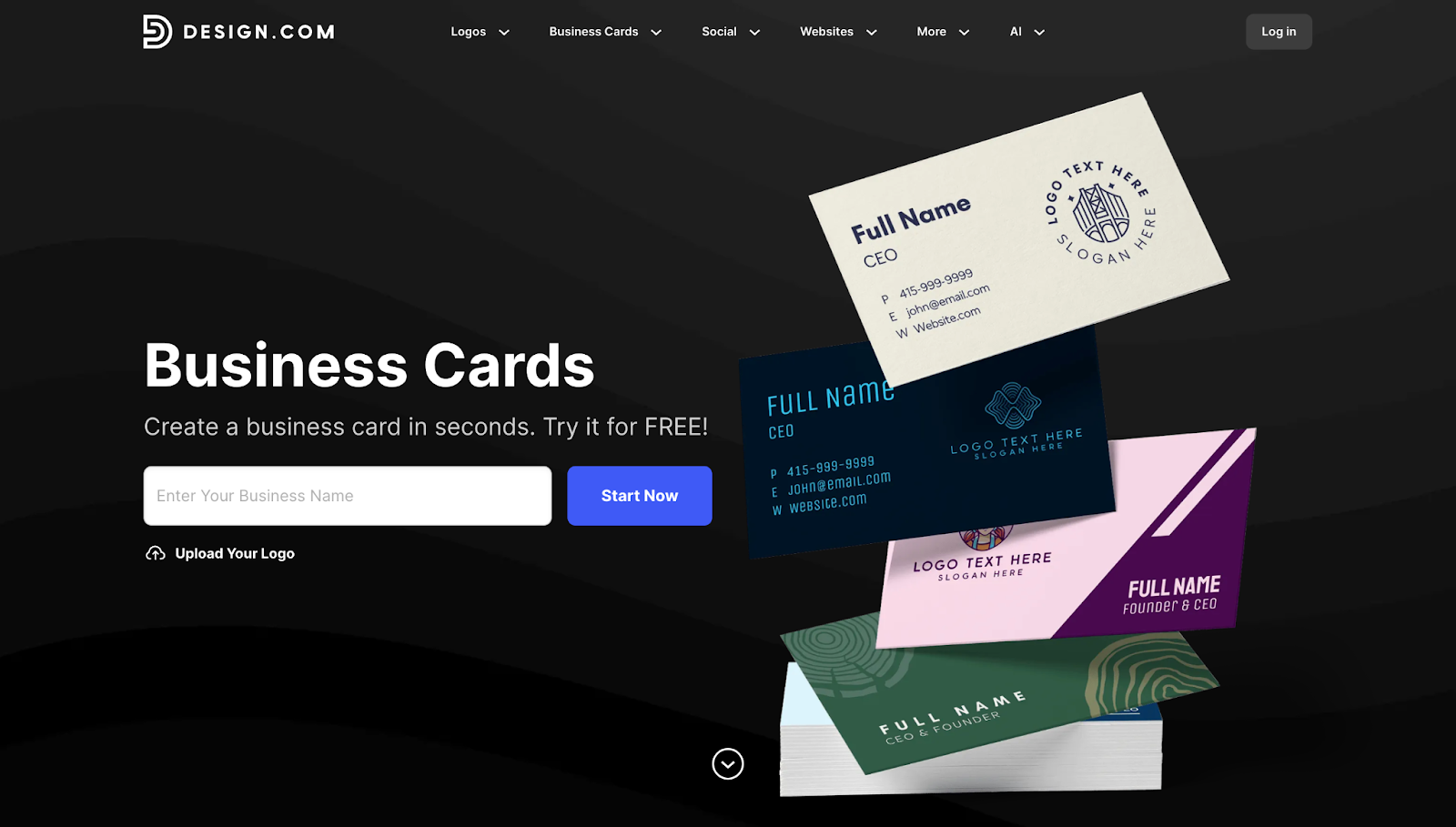
The platform offers over 20,000 handcrafted business card designs, all created by in-house professional designers rather than pulled from stock libraries. The templates feel intentional and on-brand rather than generic, and they span every major industry, including real estate, photography, consulting, hospitality, tech, and trades.
Browsing is fast. You just enter your business name and the platform populates relevant options immediately, with filters for industry, orientation, and style. With 750+ fonts, including 525 exclusive to the platform, and over 62,000 custom vector shapes, there is genuine room to make a design your own.
Business Card Design Samples
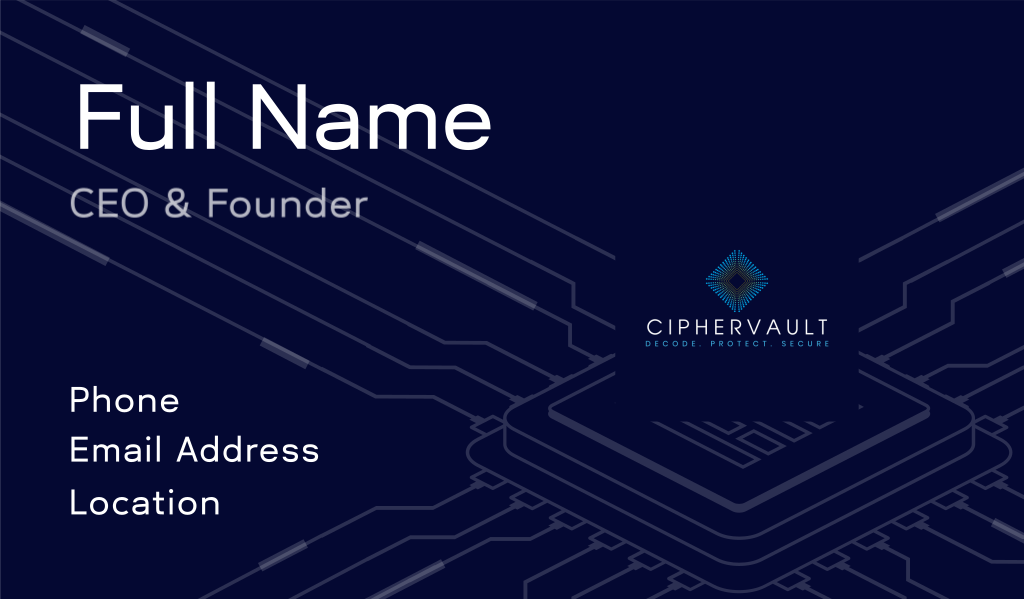
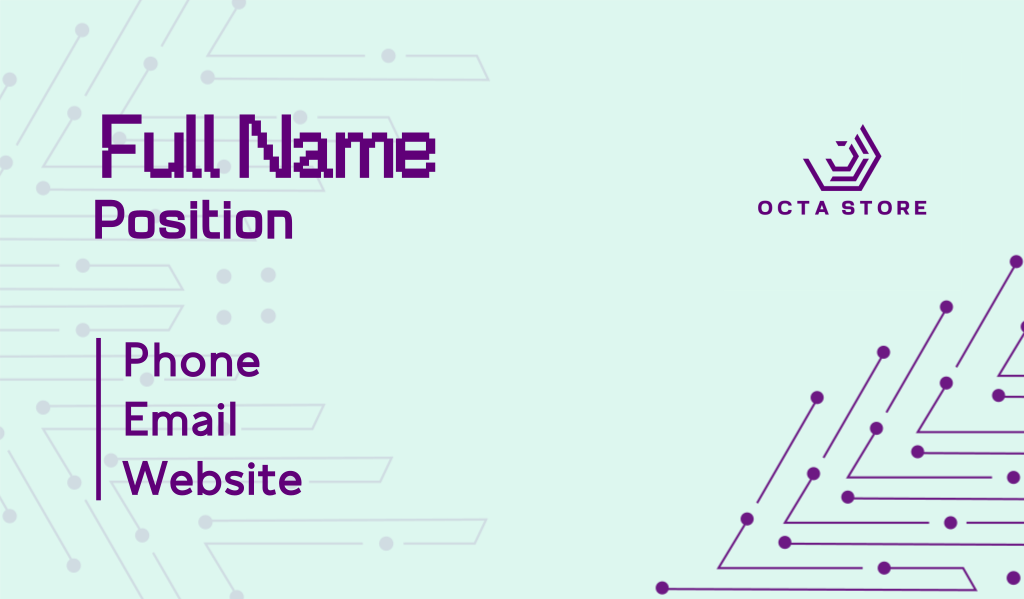
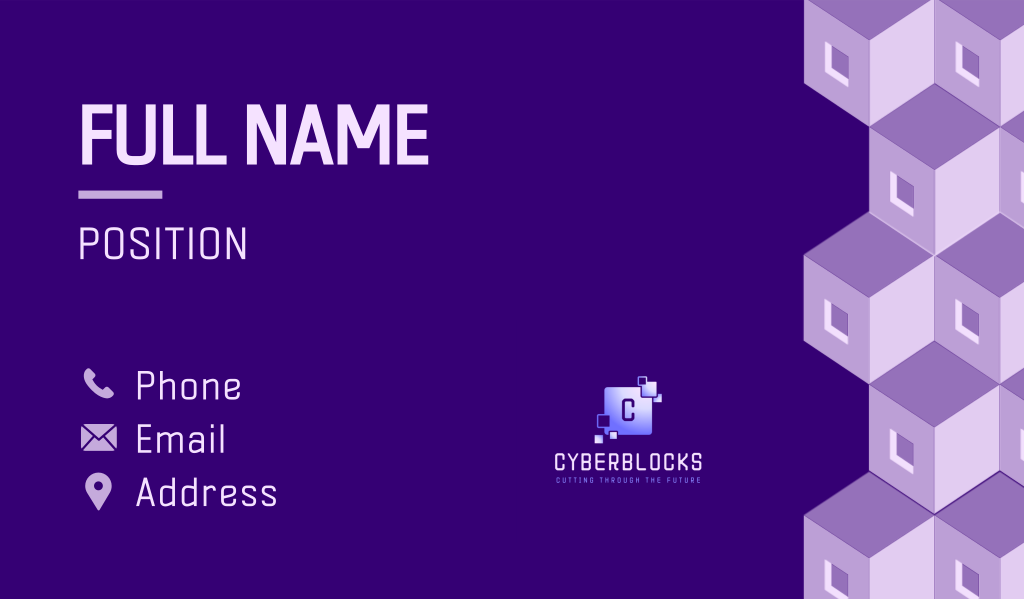
Design.com’s template library spans a wide range of styles, from clean and minimal to bold and illustrated, so the output looks noticeably different depending on the industry and aesthetic you are going for.
For tech businesses like Flowster, here are a few examples of what a Design.com business card could look like:
How Does the Design.com Editor Feel to Use Day-to-Day?
Beginner-friendly is almost an understatement. Here is what it looks like in practice:
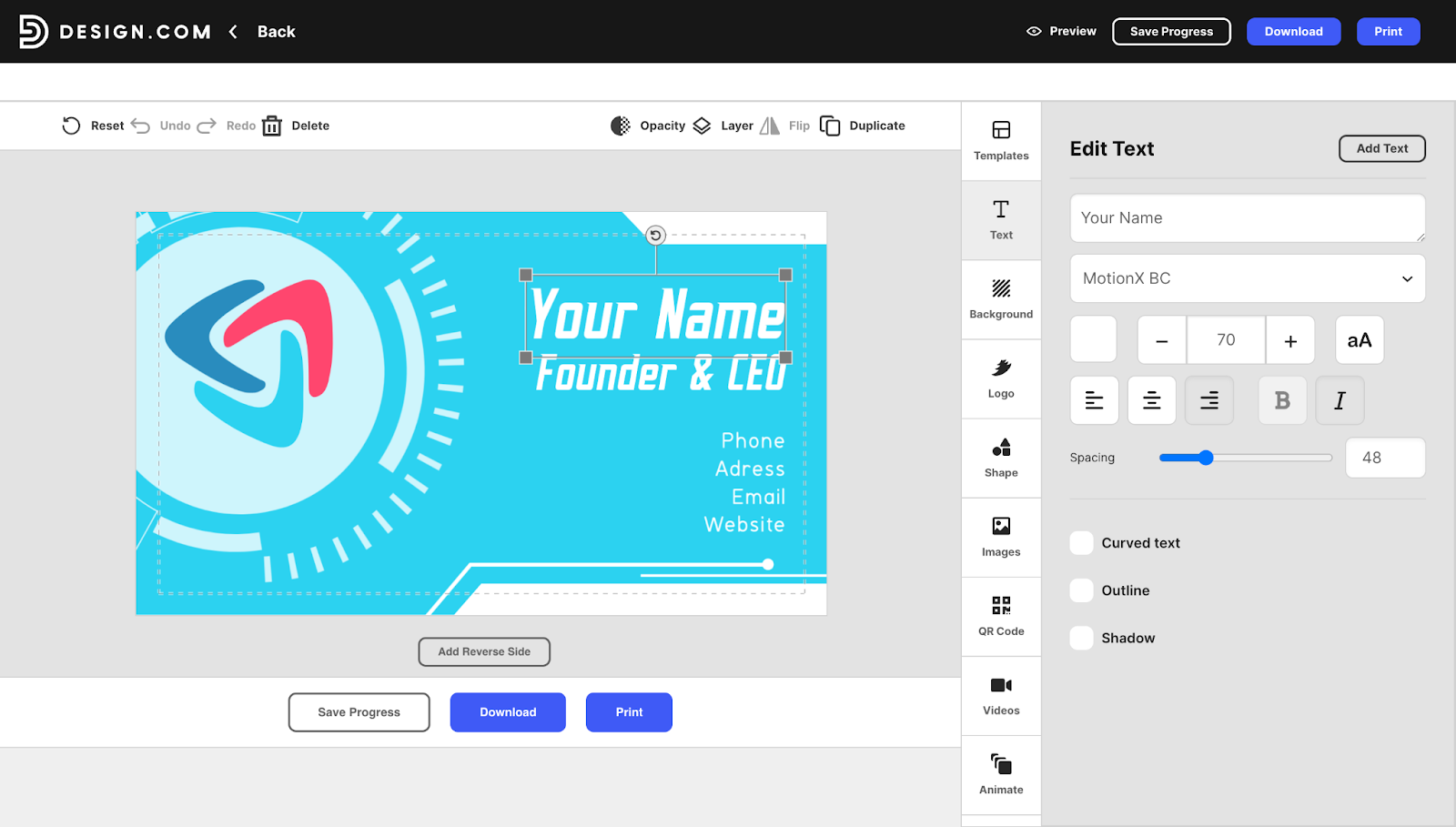
The editor uses a clean drag-and-drop interface with real-time previews, and you can adjust fonts, colors, spacing, and layout without any learning curve. More advanced tweaks like gradient fills, curved text, and vector shape overlays are accessible when you want them, without being pushed in your face.
What File Formats Can You Export?
Regardless of whether you are on the free or paid plan, every design comes with:
- High-resolution PNG and JPG for digital sharing and social profiles
- Vector formats including SVG, EPS, and PDF for professional print production
- An irrevocable commercial use license, so your card design is fully yours with no restrictions
This is worth highlighting because most tools in this category reserve vector exports for paid tiers or charge separately for commercial licensing. On Design.com, these are available from the start.
Does Design.com Offer Physical Print Services?
Yes, and the print integration is built directly into the same workflow. Once your design is ready, you can order physical cards without exporting to a separate print service.
Options include:
- Quantity: 250 to 5,000 cards per order
- Sides: Single or double-sided printing
- Corners: Standard square or rounded
- Finish: Matte, glossy, premium matte, and premium glossy
- Shipping: Free worldwide shipping available on select orders
The print quality reports from users are consistently positive. For small businesses that want to design and print in one workflow, this removes the friction and file compatibility risk that comes with third-party print services.
What Kind of Support Does Design.com Offer?
Support is one area where Design.com genuinely stands out. You get:
- 24/7 customer support for help with edits, downloads, and print orders at any time
- Multilingual support across seven languages: English, Spanish, French, German, Portuguese, Canadian French, and Brazilian Portuguese
- Multicurrency payments so you can subscribe in your local currency, with support for USD, AUD, GBP, EUR, INR, PHP, BRL, MXN, and ZAR
What Does Design.com’s Business Card Maker Cost?
| Plan | Price | What’s Included |
| Free | $0 | Browse and edit thousands of business card templates at no cost, unlimited customization and editing before download, save and experiment with multiple designs, commercial use license included |
| Premium Plan | US$3/month, billed annually | Your business card is yours forever, unlimited edits, high-resolution and vector (SVG, EPS, PDF) downloads, design storage, access to 3,000+ business card templates, 50+ design tools, and 579,000+ total templates |
| Premium Design Pack + Website | US$6/month, billed annually | Everything in the Premium Plan, plus a website builder so you can build a site alongside your card designs |
The free plan is a genuinely usable starting point, not just a preview window. The paid plans expand your template access and unlock the full branding ecosystem at a price point that is difficult to match in this category.
How Does Design.com Compare to the Closest Competitors?
| Feature | Design.com | Canva | Vistaprint |
| Primary focus | Full design platform with print integration | General design platform | Print shop with basic design tools |
| Free tier | Yes, fully editable templates with unlimited customization | Yes, solid range of templates | Free to design, print costs apply |
| Starting paid price | US$3/month (billed annually) | From ~US$15/month | Varies by print order |
| Business card templates | 20,000+ professionally designed | Thousands, mix of designer and user-contributed | More limited selection |
| AI design tools | Yes, unlimited generation | Limited via Magic Design | None |
| Vector export | SVG, EPS, PDF on paid plan | Paid plan only | Print-ready PDF only |
| In-app print ordering | Yes, multiple finishes and quantities | Yes, via Canva Print | Yes, core strength of the platform |
| Specialty print finishes | Matte, glossy, premium matte, premium glossy | Standard options | Wider range including foil, raised ink, soft-touch |
| Brand consistency tools | Full branding ecosystem included | Brand Kit on paid plan only | Not available |
| Multilingual support | Yes, 7 languages | Yes, multiple languages | Limited |
| Multicurrency payments | Yes, 9 currencies | Yes | USD primarily |
| Commercial use license | Included on all plans | Included on paid plan | Included |
Design.com is the only platform in this comparison that combines a fully functional free tier with vector downloads, a paid plan starting at $3/month, unlimited AI generation, a complete branding ecosystem, and multilingual and multicurrency support all in one place.
For a small business or freelancer looking for an end-to-end solution without the cost and complexity of piecing together multiple tools, it is the most complete option in the category.
Final Verdict: Is Design.com’s Business Card Maker Worth It?
Yes. For small businesses and freelancers, Design.com’s business card maker is one of the best AI design tools available in 2026.
Its free tier gives access to thousands of professionally designed templates, full editing capability, vector and high-resolution downloads, AI generation with no usage caps, direct print ordering, and 24/7 multilingual support. The paid plan starting at $3/month adds permanent design ownership, expanded template access, and the full branding ecosystem.
For a solo operator, freelancer, or new business owner who needs a polished card without hiring a designer, Design.com delivers professional results reliably, affordably, and all in one place.

