


Your audience on LinkedIn can easily identify content created with AI, and they skip it. For marketers, content creators, and professionals who are attempting to build their LinkedIn footprint by creating consistent content, this has become a real problem. You want to be able to generate consistent content, and at the same time, you don’t want to appear as if every other person’s post comes from a generic AI template.
Professionals on LinkedIn expect to read authentic voices and get real insights from the content they read. So when your content appears to come from a template (which may have been generated through AI), you will likely experience less engagement on your posts; comments will disappear; connection requests will slow down; and the LinkedIn algorithm will also notice, which will cause your posts to be pushed lower in the feeds of your connections.
Quick Comparison: Top LinkedIn Humanizers at a Glance
| Tool Name | Best For | Starting Price | Free Trial |
| Walter AI | Overall LinkedIn marketing | ~$12/month | Yes (300 words) |
| Grammarly Humanizer | Grammar-focused professionals | Free tier available | Yes |
| Quillbot Humanizer | Quick content rewrites | Free tier available | Yes |
| Jasper Paraphrasing Tool | Marketing teams | ~$49/month | 7-day trial |
| Writesonic AI Humanizer | Varied content types | ~$16/month | Yes |
| Undetectable AI | Advanced detection bypass | ~$9.99/month | Yes |
| Surfer SEO Humanizer | Data-driven marketers | ~$69/month | 7-day trial |
| Small SEO Tools Humanizer | Budget-conscious users | Free | N/A |
Why Your LinkedIn Content Can’t Afford to Sound Robotic
When the language you use in your LinkedIn posts sounds like it was created using AI, then there are some serious consequences involved. Your credibility as a professional will take a serious blow. As a social media site designed around developing professional relationships and establishing trust, appearing unauthentic may eliminate opportunities for potential clients to contact you, potential employers to consider you for a position, or your thought leadership ideas to be found among a large number of other robotic-sounding posts.
A very perceptive audience exists on LinkedIn. This audience is very good at identifying AI-generated content. An abundance of generic posts exist concerning “leverage synergies” and “drive innovations”. If the tone of your content does not seem to be from a human, you are not only failing to generate interest from your audience, but you are also educating your network to disregard all of your future posts. The LinkedIn algorithm always favors content that generates real-time interaction. Ultimately, the more robotic-sounding content that appears in a user’s feed, the less likely it is to appear again in the future.
How We Tested These Humanizers
- Created LinkedIn posts in a variety of fields (Tech, Finance, Healthcare, Marketing), utilizing AI tools.
- Used humanizers to run each post through AI detectors to measure detection score.
- Utilized long-form LinkedIn articles (over 1,000 words) to test consistency over longer-form content.
- Measured how well humanized comments can create a sense of natural conversation flow.
- Tested the ability to create different tones based on the context of the professional post (thought leadership vs. company updates).
- Measured processing speed and ease of use with real-world content creation workflows.
- Measured output quality to professional writing standards expected on LinkedIn.
The 8 Best Humanizers for LinkedIn Marketing
After weeks of testing LinkedIn-specific humanizing tools, it was clear that not all tools are created equal in terms of how they can handle writing in a professional tone. While some of these tools perform great for casual blogs, many of them fall short of authority when you need your LinkedIn content to have an authoritative voice. And then there is the opposite side of the coin, where humanizing tools remove too much personality from your writing and leave you sounding like corporate speak. Below are what really work.
1. Walter AI: Best Overall for LinkedIn Marketing
Walter AI is superior to all other platforms we used in terms of addressing the unique issues with LinkedIn content. It employs multi-layered processing that protects the underlying message while creating a genuinely human-sounding voice. In addition, when we ran our LinkedIn post results through the AI, they were perceived as having professional integrity and also free from the robot-like tone that causes readers to disengage.
This aligns with broader discussions around the best humanizers for AI articles, where tools are evaluated on their ability to preserve intent while improving readability and authenticity.
Ideal for: LinkedIn marketing professionals; B2B content creators; thought leaders developing their personal brand.
Why is it so great? Walter AI has support for over 80 languages and includes specific tone options to meet professional contexts. You can switch between an academic tone, a professional tone, and a marketing tone based on the type of content you are developing. Walter AI passed leading AI detectors such as Turnitin, Originality.ai, and GPT Zero with a reported 95% or higher human score. In addition, processing times for Walter AI take 10–30 seconds, even for lengthy pieces of content, which is important for those who manage many LinkedIn accounts or have the need to post content frequently.
Costs: Approximately $12 per month for 30,000 words. Offers a free tier for testing purposes, allowing users to test up to 300 words.
Find it at: www.walterwrites.ai
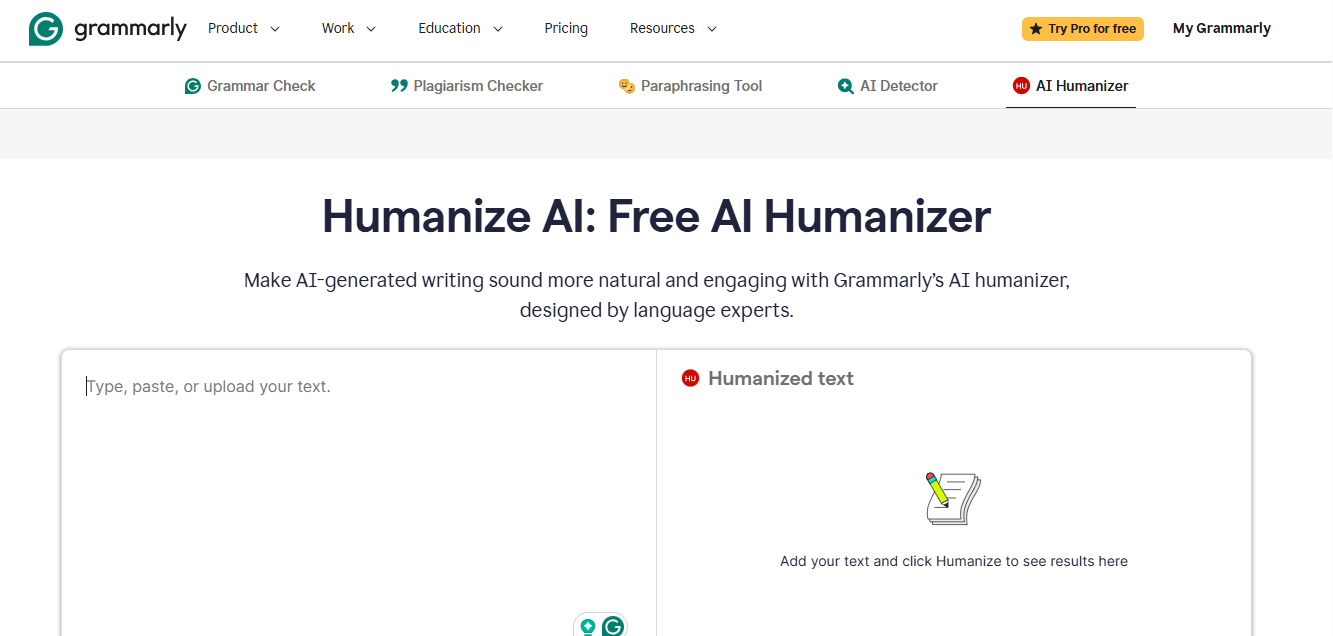
2. Grammarly Humanizer: Best for Grammar-Focused Professionals
Grammarly built its business by helping writers create high-quality content. Grammarly’s humanizer uses the exact same level of care in the process of polishing and proofreading content created by AI.
While Grammarly’s humanizer provides all of the benefits of creating human-sounding content, the tool goes beyond that and creates polished, error-free content. This tool is extensively used for executives and consultants who cannot afford to make any mistakes at all on their LinkedIn profiles.
Best for: Executives, consultants, professionals whose quality of writing has a direct impact on perceived professionalism.
Strengths: This tool works seamlessly with Grammarly’s current grammar checker as a single workflow that includes humanizing and editing your work. In addition, we have found that Grammarly’s humanizer identifies and corrects many minor issues that other tools do not identify, including poor phrasing (that is grammatically correct) and overall “awkwardness” of the language used. Grammarly also produces content that is naturally professional, rather than too formal or stiff-sounding.
Cost: There are free versions of Grammarly’s humanizer that offer limited functionality. The cost of premium versions begins at approximately $12 per month for individuals.
Find it at: grammarly.com/ai-humanizer
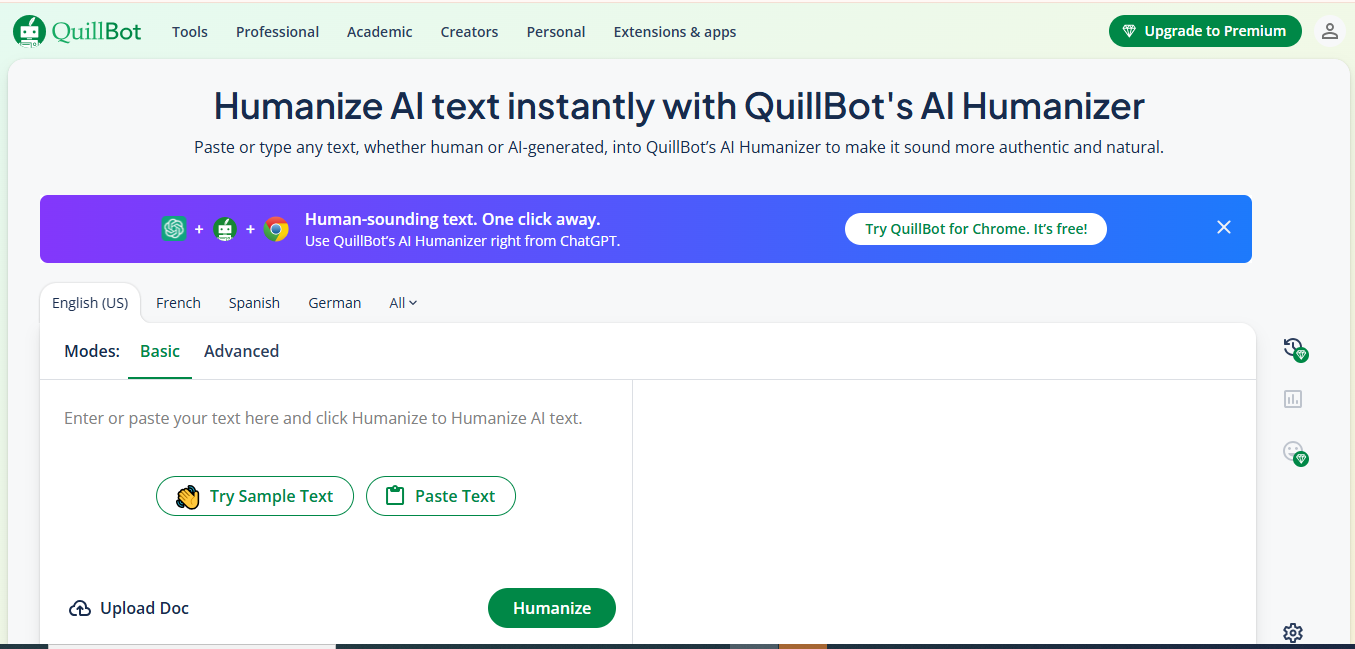
3. QuillBot Humanizer: Best for Quick Rewrites
In times when you are under pressure to quickly produce humanized content, QuillBot can help. We have been using this product for a week while producing daily LinkedIn content, and the rapidity of the process was a major advantage. You paste your text and then receive results within seconds.
While QuillBot may not be able to offer the same level of sophistication as Walter AI for professional writers to create complex written communications, it will meet your needs for creating and editing social media content, such as LinkedIn posts and comments.
Recommended for: Social media managers with multiple accounts, frequent posters.
Advantages: Rapidly produces results with little to no set-up required; simple to use, so no time is wasted learning how to use the software. QuillBot also offers a paraphrasing feature that allows you to use it to humanize content in different ways.
Cost: Offers a free version with word count limitations; premium subscription costs approximately $8.33/month if billed annually.
Find it at: quillbot.com/ai-humanizer
4. Jasper Paraphrasing Tool: Best for Marketing Teams
Jasper is marketed as an AI writing assistant; however, its paraphrasing tool provides humanized LinkedIn content. Marketing teams currently utilizing Jasper for content creation will have added value by using all tools within the same application. It understands marketing language, preserves persuasive elements, and removes AI tells from the content.
Best for: Marketing teams, content teams, agencies that manage LinkedIn campaigns.
Why teams like it: Collaboration allows multiple team members to work on humanizing content simultaneously. Templates and brand voice settings allow your team to consistently enforce the use of humanization standards, which are critical when creating large amounts of LinkedIn content across multiple company executives or brand accounts.
Pricing: Individual creator pricing starts at $49/month. Pricing for team plans is scaled according to the number.
Where to find it: jasper.ai/tools/paraphrasing-tool
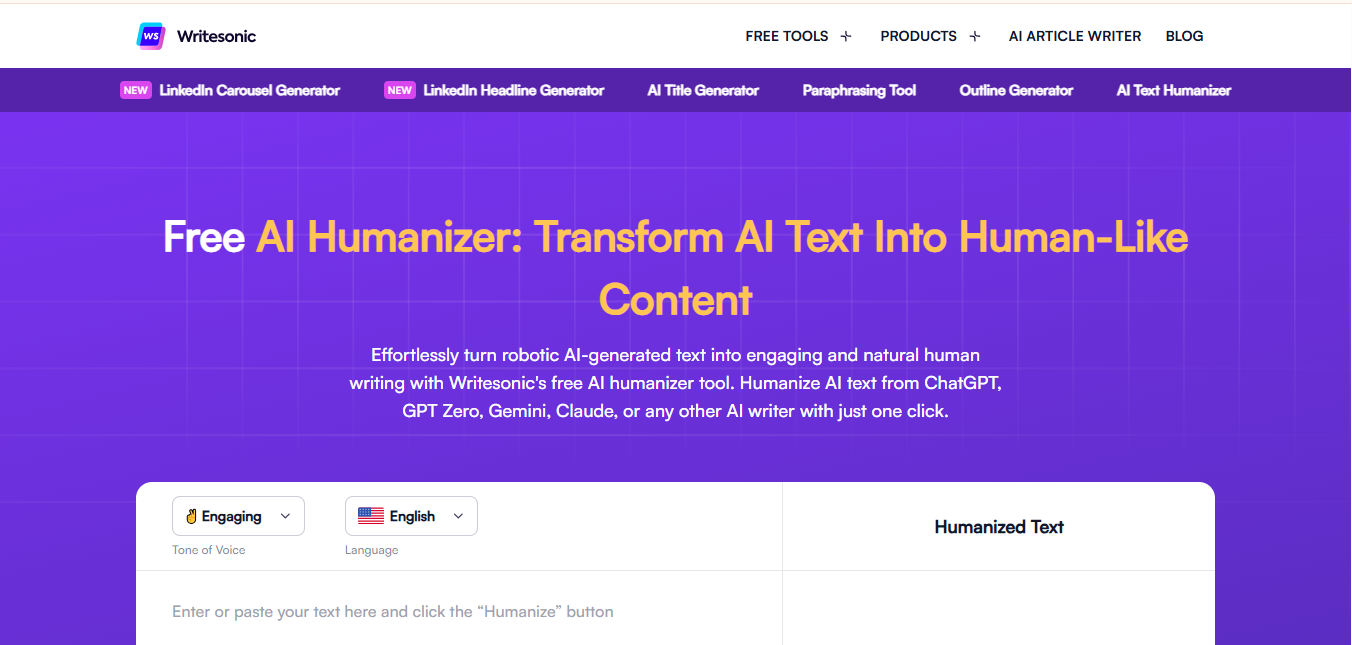
5. Writesonic AI Humanizer: Best for Content Variety
Writesonic’s AI humanizer was impressive in how well it could adapt to a variety of LinkedIn content. We put it through its paces using everything from 5–15 second short videos as LinkedIn status updates to 2,000+ word articles, plus LinkedIn video script writing and carousel post text.
Regardless of format, Writesonic’s output remained consistently high-quality—something that cannot be said for many other tools.
Recommended for: Any type of LinkedIn creator who produces various forms of content, as well as anyone who creates mixed media content for their LinkedIn audience.
Content types handled: Maintains coherence within long-form articles. Maintains your personality in short posts without coming off as unnatural or forced. Generates LinkedIn ad copy that sounds natural and conversational rather than overly promotional or salesy. Offers various optimizations based upon your desired outcomes for each piece of content.
Pricing: Approximately $16 per month (depending upon your desired word count allotment), which is plenty for most users who use the same LinkedIn posting schedule on an ongoing basis.
Where to find it: writesonic.com/ai-content-detector
6. Undetectable AI: Best for Advanced Detection Bypass
If you are primarily concerned about bypassing AI detection software, then Undetectable AI is the one that can help you do just that. The platform first puts your content into their own detection system prior to providing you with the humanized version, so you can have confidence that it will pass detection.
For LinkedIn users who work in regulated industries or industries in which AI detection is growing, the added layer of verification provides assurance.
Best for: Professionals working in regulated fields; anyone subject to strict AI content regulations.
How it works: The tool breaks down AI signature patterns within your content and rewrites your sentence structure to eliminate commonly flagged AI detection patterns. After using the tool, you receive a before-and-after detection report to show how much improvement was made in terms of the quality of your content due to the level of humanization applied. This method does take a bit longer to perform than other humanization methods, but the comprehensive nature of the approach is clearly demonstrated in the final product.
Cost: Pricing begins at approximately $9.99 per month for basic users, with higher pricing options available for high-volume (bulk) usage.
Where to access: undetectable.ai/ai-humanizer
7. Surfer SEO Humanizer: Best for Data-Driven Marketers
SurferSEO was developed for marketing professionals interested in performance metrics. Although it is mainly a web-content tool, we have successfully used SurferSEO for optimizing LinkedIn articles and posts where there are requirements for keyword optimization and an overall human tone.
If you track your LinkedIn content performance and make adjustments to your strategy based on data, SurferSEO’s approach is consistent with this method of thinking.
Best for: Growth marketing professionals, SEO professionals looking to expand into LinkedIn, and data-driven content strategists.
Features: The humanizer in SurferSEO is integrated with SurferSEO’s content analysis tools so that you can view the effects of humanization on readability scores and all of the metrics available in SurferSEO. As many companies use their blog articles to publish their LinkedIn articles, you can now write a single article optimized for both platforms at the same time.
Cost: The cost is approximately $69 per month when purchasing as part of SurferSEO’s suite of content creation products.
Where to find it: SurferSEO.com/ai-humanizer
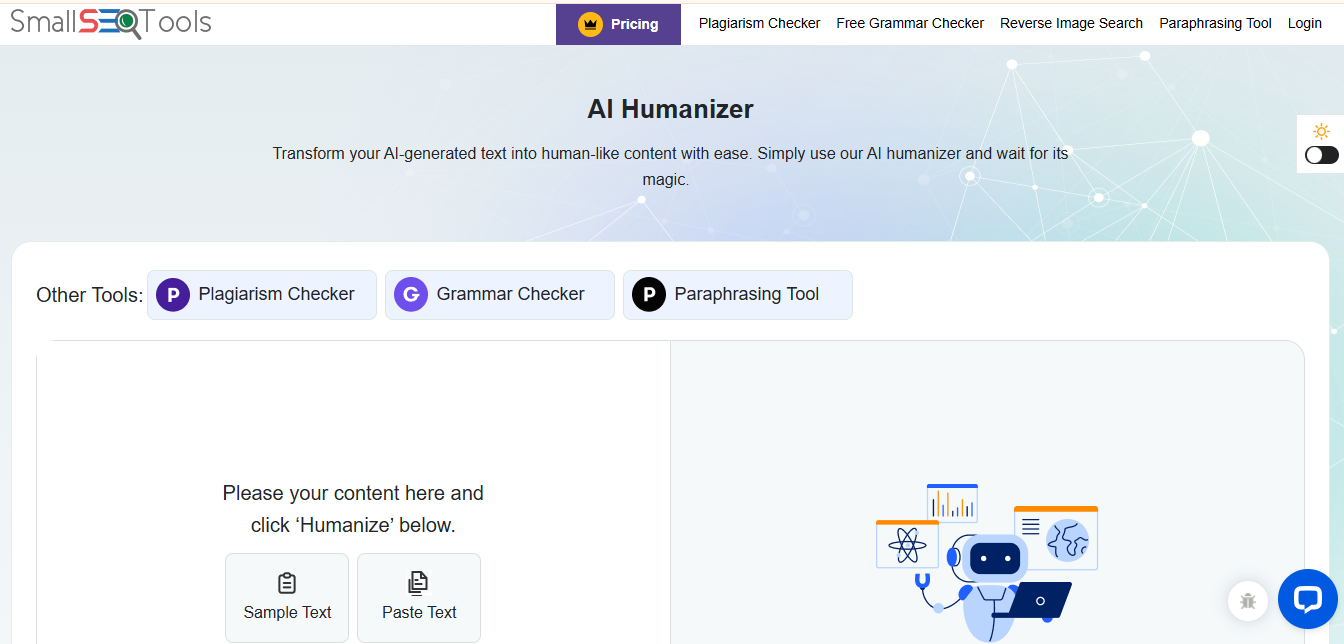
8. Small SEO Tools Humanizer: Best Free Option
Not every person needs advanced features, nor do they have a budget to support subscription-based services. Small SEO Tools provides an entirely free humanizer that can be used as a “starter” for LinkedIn and will work well enough for most of your average posts and comments.
If you are publishing a high-level thought leadership piece, then this is likely not going to be sufficient. However, if you are just looking to post about your day at work or what you did over the weekend, then this will get the job done at no cost.
Best for: New freelancers, students who want to build their LinkedIn presence, anyone trying out a few humanizers before investing in paid options
What To Expect: This free option does limit you by how quickly it can process and also how many words can be entered per submission. You may need to split up long articles. It is effective at removing all obvious AI characteristics from very basic content, but there is no comparison to the output of a premium tool.
Pricing: Free; unlimited use
Where To Find It: smallseotools.com/ai-humanizer
What Makes LinkedIn Content Sound Human
Understanding what makes writing “sound” human (in addition to selecting the proper tool) will help you to receive the maximum benefit from any humanizer. One of the largest giveaways that your writing was produced by artificial intelligence is the consistent length of your sentences. This creates a rhythmic monotony that readers subconsciously detect. Humans tend to use a combination of short, punchy sentences and longer, more detailed sentences.
Your personal voice can be seen in word selection and the occasional departure from formal grammar rules. On LinkedIn, a personal voice may manifest as a contraction used, a direct question asked, or a reference made to an individual experience. The most effective humanizers allow users to maintain their own personalized phrases and professional jargon, as opposed to converting all of your language into generic alternative language.
The context of your post greatly affects how the reader perceives your use of a humanizer. For example, a post intended to portray you as a thought leader discussing industry trends requires a completely different type of humanization than a casual post describing company culture. The ideal humanizer should allow you to control the tone to match the intended purpose of each piece of content. When testing humanizers, take note of whether the output still resembles something you would have written yourself versus whether it merely passed an artificial intelligence detection test.
Red Flags When Humanizing LinkedIn Posts
Over-correction is one of the most common problems with humanizers that over-correct to avoid pattern-based outputs from A.I. Many tools will try so hard not to be like an A.I. that they introduce unnatural word choices or awkward phrasing instead of sounding like a human speaking. If your humanized content doesn’t sound better than the original A.I. output, then the tool is actually causing more harm than good. You have to trust your instincts. Read your humanized post out loud. Would you say those words in a professional conversation? Your LinkedIn audience won’t find them any more convincing than you do.
Beware of tools that remove all personality in the name of sounding human. The best LinkedIn content has a distinct voice. Generic humanization that removes every unique phrase and interesting word choice leaves you with beige content that nobody remembers. Your humanized post should still sound like you, just without the robotic patterns that A.I. typically produces.
Price doesn’t always correlate with quality for humanizers. We tested expensive tools that performed worse than middle-range options for LinkedIn content specifically. Free trials exist for a reason. Use them to test your actual LinkedIn content before committing to any subscription. Pay attention to how the tool handles professional terminology and industry jargon in your field. Some humanizers are great at general business content but struggle with technical or specialized writing.
Frequently Asked Questions
Can LinkedIn detect AI-humanized content?
Currently, LinkedIn has no mechanism to scan user-generated posts for AI content (unlike most academic institutions), but users are able to see AI patterns in the posts they create, which would damage engagement and credibility for you, regardless of what the platform does.
Can I trust that my humanizer is actually working?
Use a free AI detector such as GPTZero or Originality.ai to run the humanizer output. In addition to this, you should be comparing your engagement rates on both humanized and non-humanized posts.
Is it necessary to humanize every post I make on LinkedIn?
If you are creating all of your posts on LinkedIn without any AI assistance, there is no need to humanize them. But if you are drafting, outlining, or expanding your ideas with AI assistance, then you should humanize your posts.
Do humanizers work with articles over 1,000 words on LinkedIn?
While most premium humanizers work well with long-form content, you will likely need to purchase a higher-tier plan to process entire articles at once. Both Walter AI and Writesonic were consistent in our testing with 2,000+ word LinkedIn articles.
Will humanizing my posts affect my Linkedin SEO?
If you choose a good humanizer that improves readability without removing relevant keywords, then you may actually be helping LinkedIn’s algorithm surface your content.
Can I humanize comments & replies on LinkedIn?
Yes, and it may be worth doing if you are using AI to help manage comment responses at scale. Humanized replies feel more genuine than obviously AI-generated responses, and they maintain conversation flow much better.
How often should I check if my humanizer is still working?
The tools used to detect AI updates are used regularly. Today, something that passes might get flagged tomorrow. Test your humanizer’s output monthly with current detection tools.

