
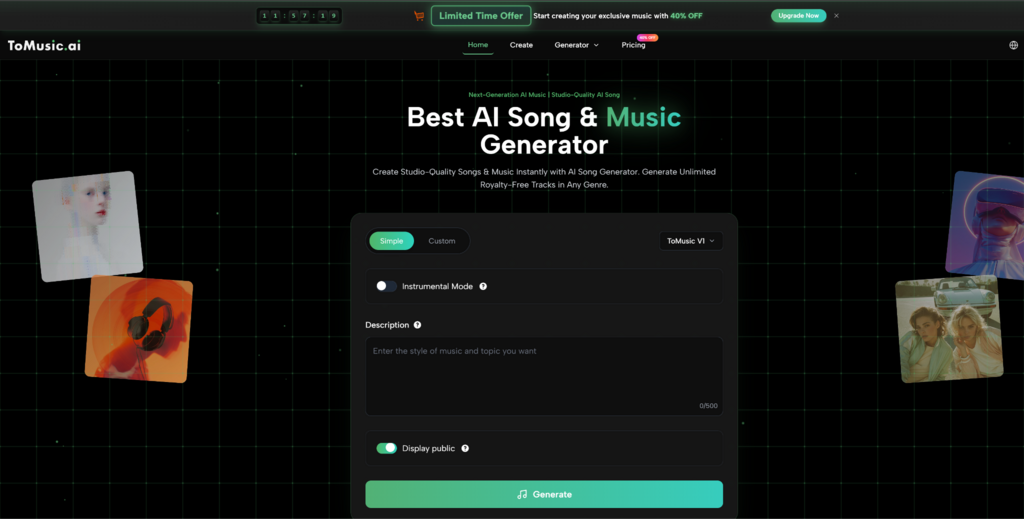

Most people don’t need “a song.” They need the right feeling at the right second: the first three beats of a launch video, the quiet confidence under a product demo, the hook that makes a creator’s intro recognizable. I ran into this the hard way while polishing a short promo—everything looked sharp, but the audio kept dragging it down. A simple switch to an AI Music Generator workflow let me prototype multiple directions quickly, keep what worked, and cut what didn’t—like A/B testing, but for sound.
The new reality: audio is now a design surface
In 2026, music isn’t only for musicians. It’s part of product design, brand identity, and content strategy. You already iterate your copy, thumbnails, and color palette. AI music generation makes audio iterative too: draft fast, test fast, refine fast.
Why your first attempt usually misses
When music doesn’t fit, it’s rarely because the track is “bad.” It’s because it’s mismatched:
- The rhythm fights the edit pace
- The harmony feels too dark (or too cheerful)
- The vocal presence crowds the narration
- The drop arrives too late for the hook moment
Traditional workflows fix this with a composer and time. AI workflows fix it with variations and clearer direction.
A creator-friendly ranking of the best music generators in 2026
If your goal is “publishable audio that fits,” these are the tools that show up most often in real workflows. The list is ordered for speed-to-fit, starting with the most broadly useful for non-specialists.
- ToMusic.ai (best for turning a clear idea into a usable track quickly)
- Suno (best for immediate hooky song concepts)
- Udio (best for structure and producer-style nuance)
- Soundraw (best for adjustable background scoring)
- AIVA (best for cinematic instrumentals and formal composition)
- Boomy (best for rapid, beginner-first creation)
- Mubert (best for loops, ambience, and developer use cases)
Comparison table: what matters when you’re shipping real work
| Tool | Strength you feel immediately | Control level | Best output type | Typical limitation |
| ToMusic.ai | Fast drafts that still feel intentional | Medium-to-high | Full songs, lyric-based songs, varied genres | Prompt sensitivity; may need multiple generations |
| Suno | Quick, catchy results | Medium | Vocal-forward songs | Consistency across iterations can vary |
| Udio | Rich progression and detail | High | Producer-style tracks | More time to dial in |
| Soundraw | Reliable bed music | Medium | Background scores | Less “signature song” feel |
| AIVA | Cinematic, structured instrumentals | Medium | Orchestral/score | Can feel formal; vocals not central |
| Boomy | Speed and simplicity | Low-to-medium | Simple songs | Limited fine editing control |
| Mubert | Endless loops/ambience | Medium | Loops and streams | Less narrative “song arc” |
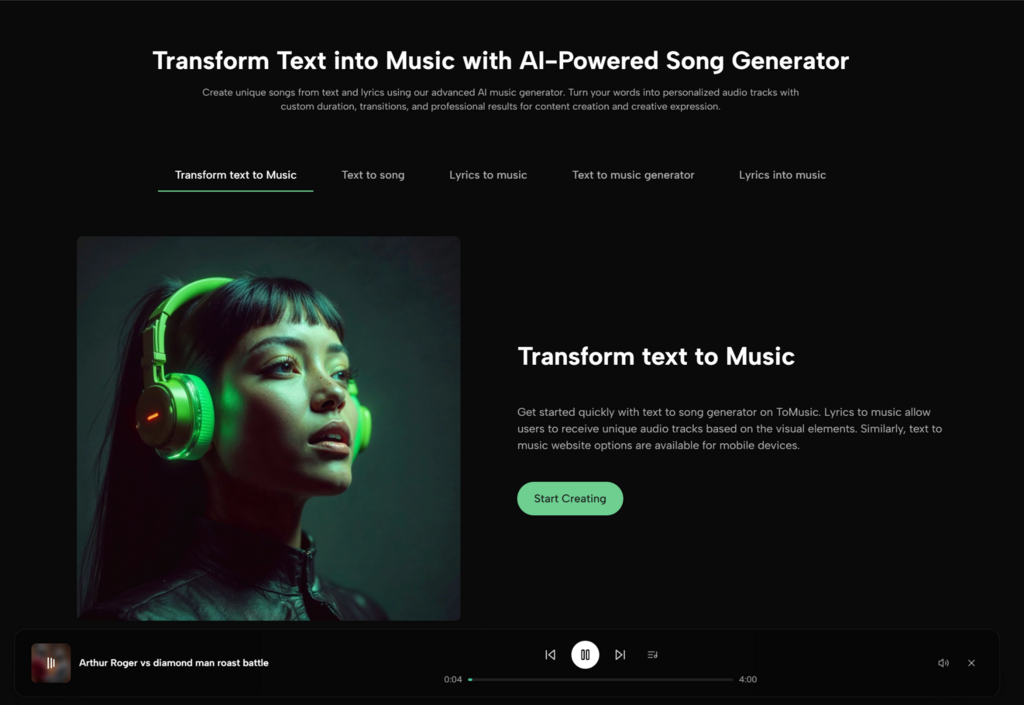
Why ToMusic.ai is often the easiest “first tool” for teams
For creators and small teams, the hardest part isn’t generating sound—it’s aligning it with intent. ToMusic.ai works well when you already know what you want the listener to feel, but you don’t want to translate that into complicated production steps. In my own testing, it was quick to generate multiple candidates, then steer toward the best one by tightening the prompt instead of starting over from scratch.
A practical method: design your music like you design a landing page
Instead of “make a cool track,” define a brief the same way you’d brief design:
- Audience: who is hearing it?
- Emotion: what should they feel?
- Moment: where will it sit (intro, bed, climax, outro)?
- Constraint: does it need space for voiceover?
This turns music generation from gambling into direction.
A tiny but powerful habit: name your sound
If you want consistency across a series, give your sound a name. I literally label it like a brand kit:
- “Clean Neon Pop”
- “Warm Documentary Bed”
- “Minimal Futurist Tension”
Then I reuse that label language inside future prompts. It creates a sonic identity without you needing deep music theory.
Turning text into usable music without over-directing it
Overly complex prompts can backfire. If you want stable results, keep prompts tight, then iterate:
- Version 1: mood + tempo + instrument palette
- Version 2: add structure (buildup, chorus lift, drop timing)
- Version 3: refine vocal presence or remove vocals
This staged approach makes the improvement visible, not random.
Where lyric-first generation becomes a serious advantage
If your music needs to communicate—product benefit, creator tagline, campaign message—lyrics make the track “about something.” That’s where a Lyrics to Song workflow can feel like a shortcut: your message becomes the backbone, and the music supports it. In practice, I’ve found it helps to keep lines shorter and clearer; the performance tends to land better when the phrasing is simple and rhythmic.
Limitations worth saying out loud (so you’re not surprised later)
AI music is powerful, but it’s not frictionless:
- Outputs vary with prompt clarity and style complexity
- Vocals can occasionally sound slightly synthetic
- Some genres are easier than others to nail consistently
- You may need multiple generations to hit the exact “fit”
- For professional publishing, you should still review licensing terms and usage rights based on your distribution needs
If you treat the tool like a collaborator—fast drafts, human judgment—you’ll get better results than expecting a perfect final master on the first try.
A deeper layer: music as a reusable system
The most valuable outcome isn’t a single track. It’s a system you can reuse:
- A set of prompt templates (intro, bed, climax, outro)
- A consistent instrument palette for your brand
- A repeatable iteration routine (3 drafts, pick 1, refine 2)
Once you have that, your content becomes more recognizable, and your production time drops.
One small tactic that improves “fit” immediately
Write one sentence that describes what the music should not do. Examples:
- “No big drum drops”
- “Avoid gloomy minor-key sadness”
- “Leave space for narration”
- “No overly bright synth leads”
That “negative constraint” often prevents the most common mismatches.
Micro-checklist for predictable results
- Define the moment (intro/bed/climax/outro)
- Choose 3 instruments maximum
- Specify vocal presence (none/light/featured)
- Add one contrast line (soft verse, bigger chorus)
- Generate 3 variations
- Keep the best one, refine once
Text-first creators have an edge now
If you think in sentences and story beats, you don’t need to become a producer to get music that fits. A focused Text to Music AI process lets you translate narrative intent directly into sound—then iterate until it matches your timing, tone, and audience expectations.
Closing
In 2026, the winning workflow isn’t “AI replaces music production.” It’s “AI makes music editable at the speed of modern content.” When you treat sound as something you can prototype, test, and refine, your videos feel more intentional, your brand feels more coherent, and your creative energy stays where it belongs—on the idea, not the friction.

