



Documents and spreadsheets were not designed for managing critical processes. They don’t provide an easy way to improve your processes, and they don’t provide any engagement metrics.
See why below….
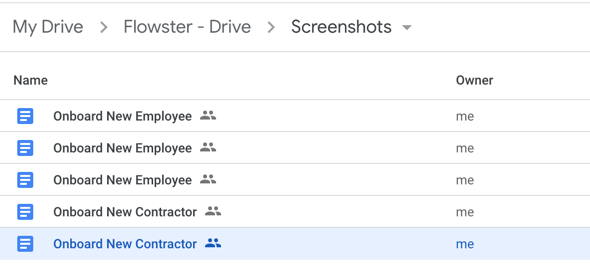
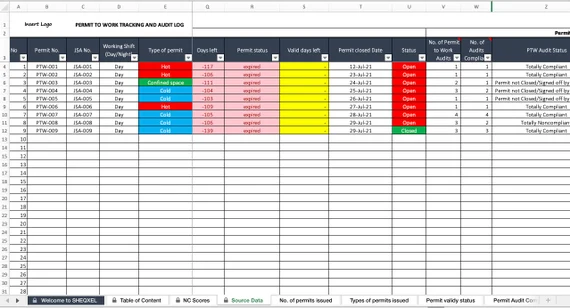
When relying on documents and spreadsheets, there is no way to avoid the chaos that is the result of multiple versions and multiple folders.
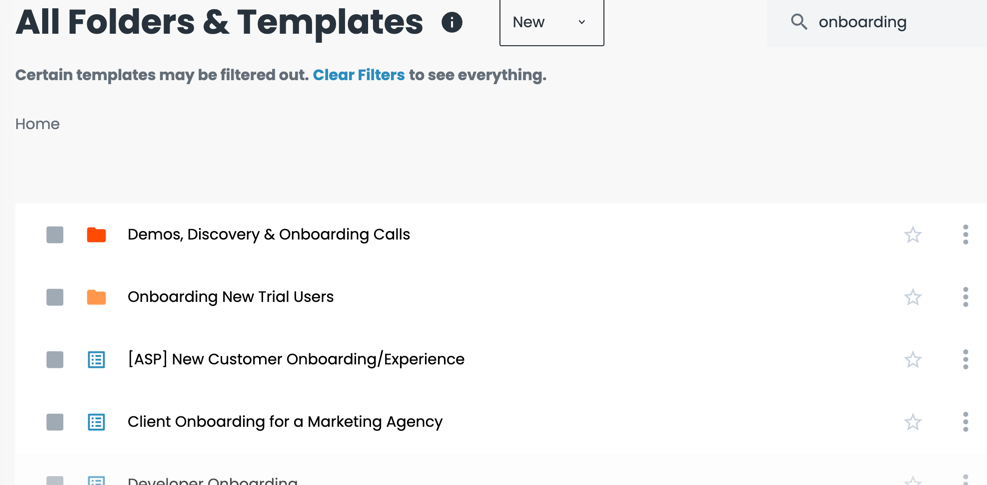
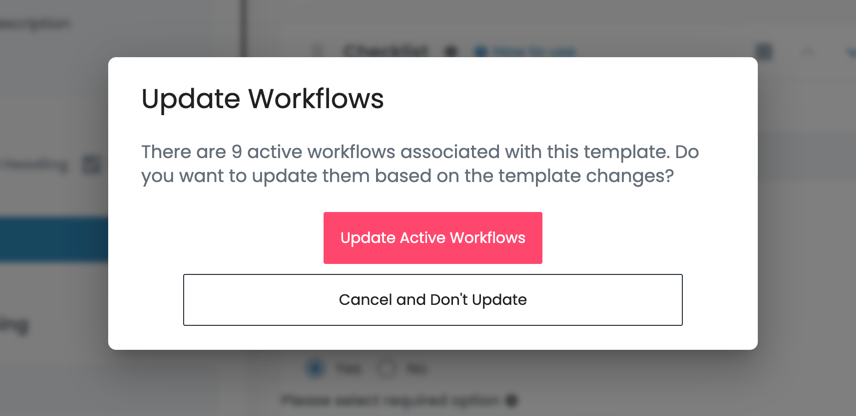
Flowster makes it easy to keep all your workflow templates up to date and organized.
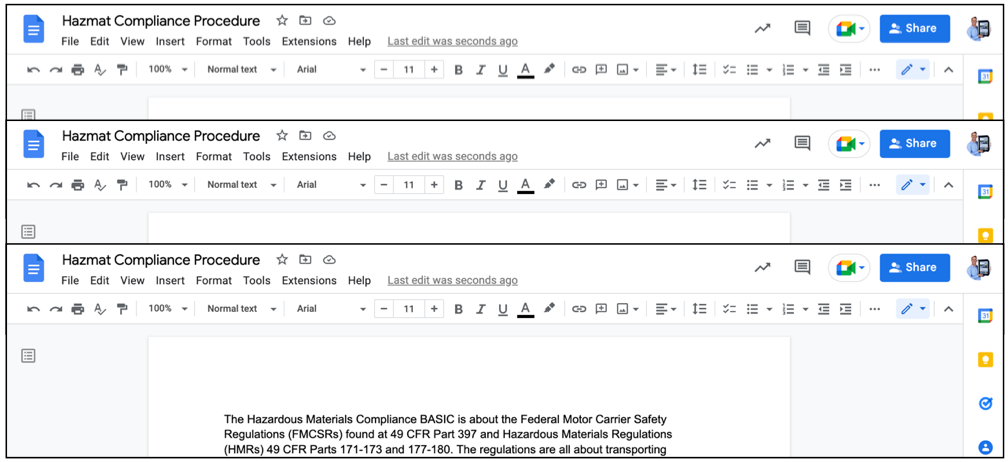
Imagine that you needed to update a critical paragraph about regulatory compliance within hundreds of documents. How to you find all these docs, much less update them all manually?
With Flowster, pushing out updates to all your workflows is as easy as a single click of your mouse. As soon as you update the template, Flowster will auto-update every related workflow for you.
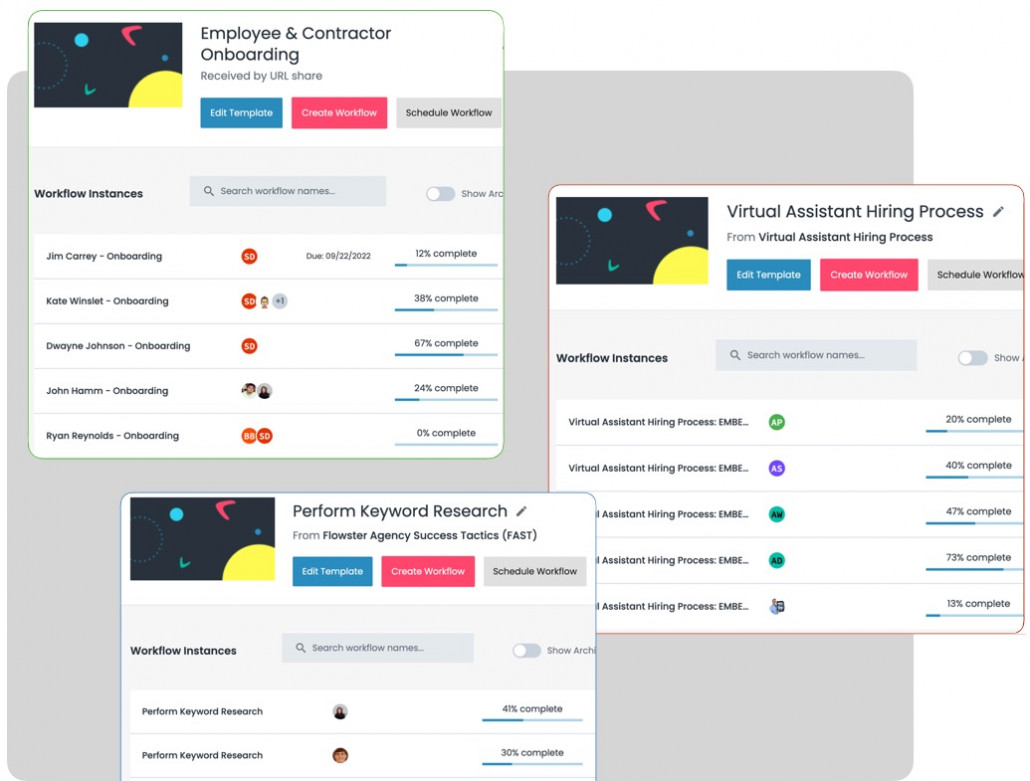
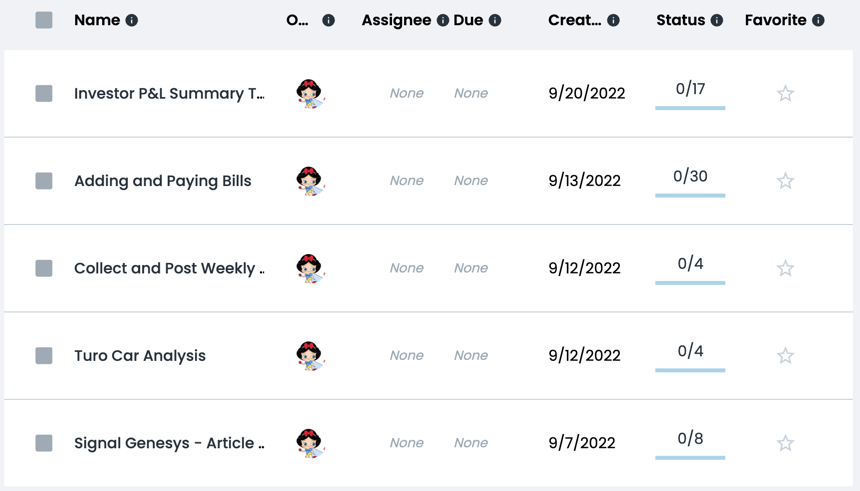
After you’ve invested countless hours building your procedures in documents, all you have is a static document that can only be read. It is impossible to run a workflow, give it a due date, and assign it to one or many people on your team.
With Flowster, every time you want your team to do work, all you need to do is run the respective workflow, assign it to the right people, and give it a due date.
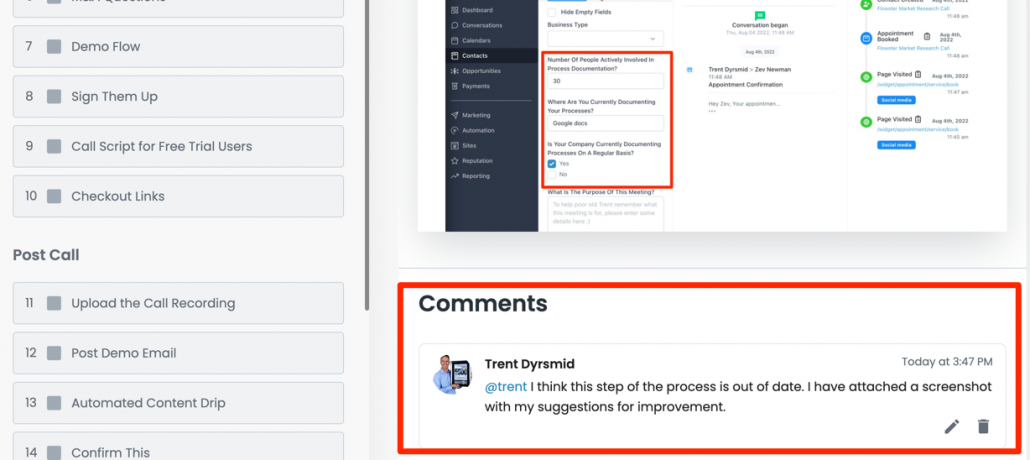
If you are publishing your processes in ‘read-only’ documents (PDFs, printed documents, etc.), the person reading the document may have a great idea for improving the process. Trouble is, they have no way to interact with the process, so the idea is lost.
Flowster allows users to ask questions and suggest changes right within the workflow; thereby making it easy for this suggestions to be reviewed and implemented.
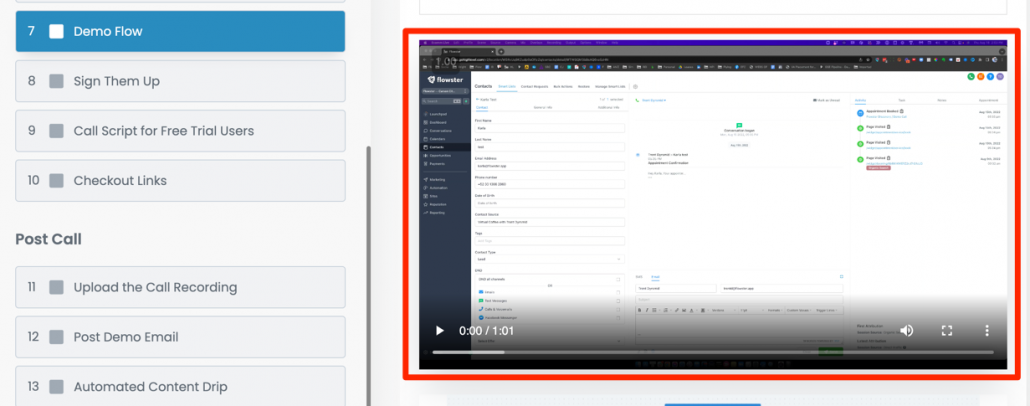
Documents don’t allow you to easily embed videos – leaving the reader and writer to rely on only static words and pictures.
Short videos make it fast and easy to explain things that might be confusing if the explanation has to rely on words and pictures alone.
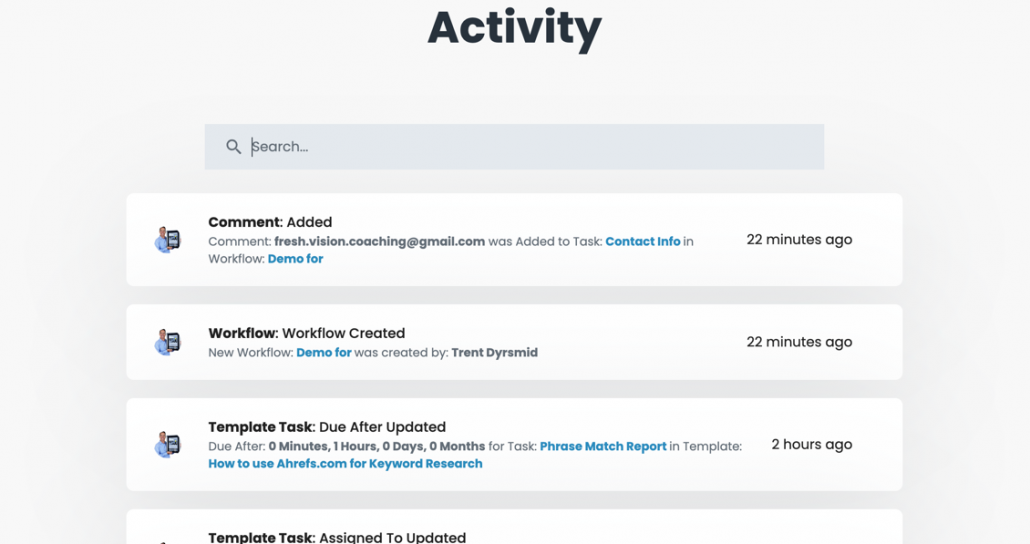
If you aren’t running workflows, you can’t collect data on who is doing what, if they are behind schedule, etc… You can’t improve what you aren’t measuring.
With Flowster, you can easily see the status of all your workflows. Need to see who is behind schedule, over-resourced, or skipping steps? Flowster makes it easy.
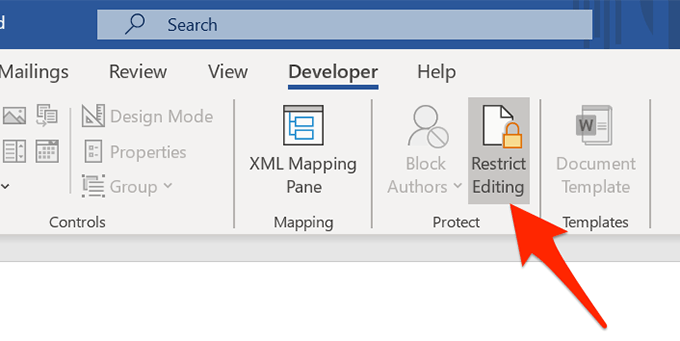
Critical process documents often need editing and updates. With spreadsheets and docs, anyone who can input information can tamper with your valuable content.
Flowster’s permission features ensure that only certain people can edit a workflow template.
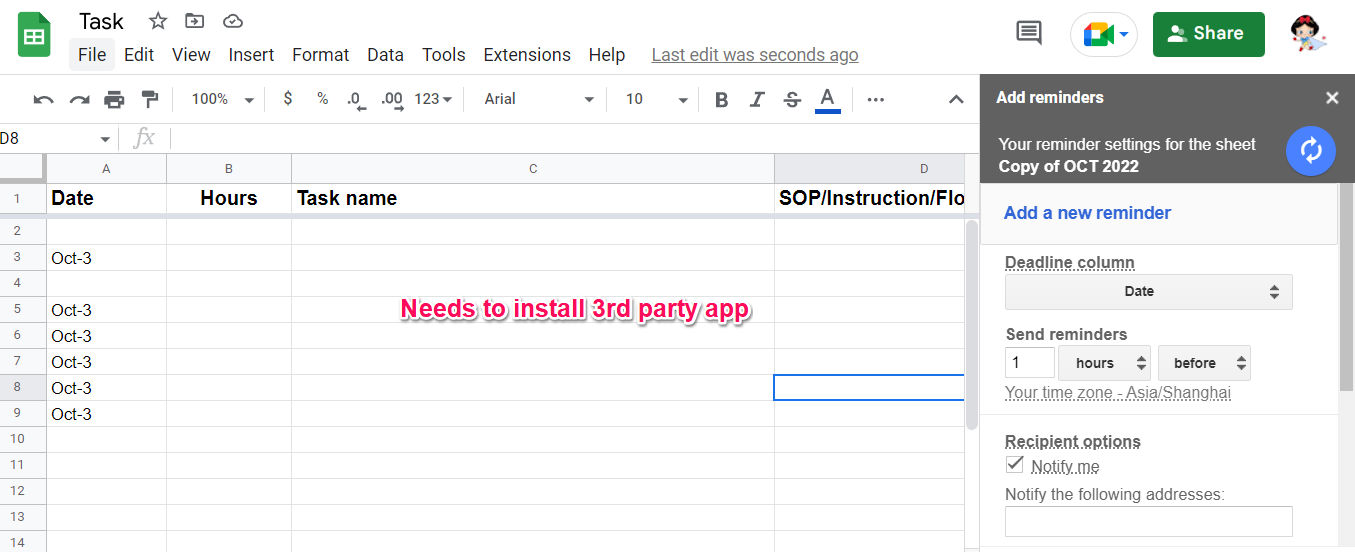
If you are relying on documents and spreadsheets and you need timely reminders to run your critical processes (monthly account review, employee review, KPI review, etc…), you will need to use a separate application to send you these reminders.
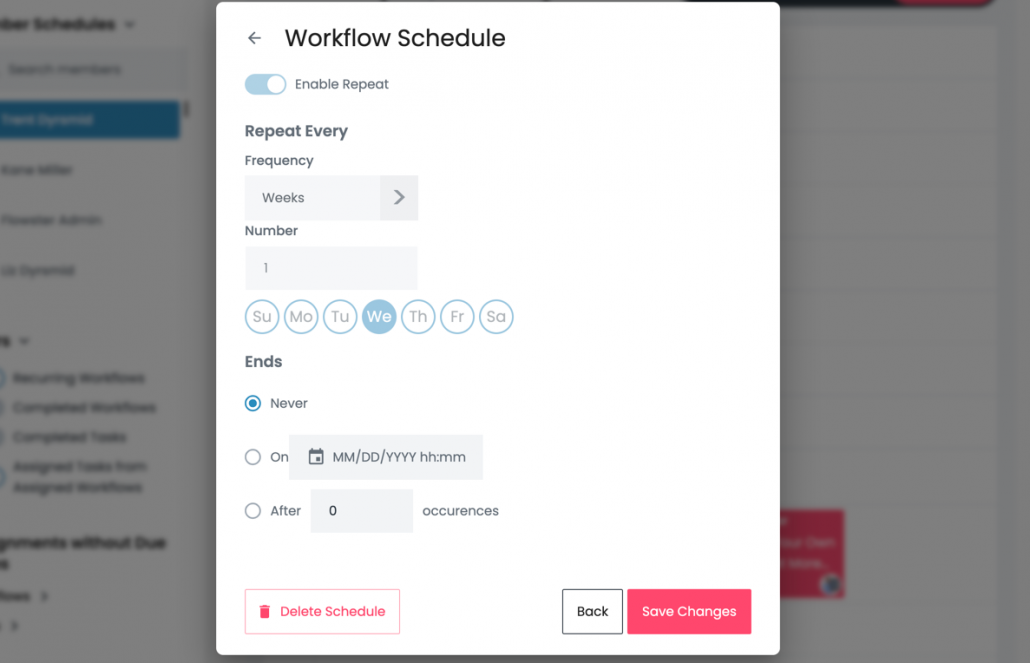
Flowster’s recurring workflow feature ensures you never miss a beat.
| Cookie | Duration | Description |
|---|---|---|
| akavpau_ppsd | session | This cookie is provided by Paypal. The cookie is used in context with transactions on the website. |
| nsid | session | This cookie is set by the provider PayPal. This cookie is used to enable the PayPal payment service in the website. |
| tsrce | 3 days | This cookie is set by the provider PayPal. This cookie is used to enable the PayPal payment service in the website. |
| x-pp-s | session | This cookie is set by the provider PayPal. This cookie is used to process payments from the site. |
| Cookie | Duration | Description |
|---|---|---|
| ac_enable_tracking | 1 month | This cookie is set by the Active Campaign. This cookie is used to keep track of the site usage. |
| YSC | session | This cookies is set by Youtube and is used to track the views of embedded videos. |
| Cookie | Duration | Description |
|---|---|---|
| _ga | 2 years | This cookie is installed by Google Analytics. The cookie is used to calculate visitor, session, campaign data and keep track of site usage for the site's analytics report. The cookies store information anonymously and assign a randomly generated number to identify unique visitors. |
| _gcl_au | 3 months | This cookie is used by Google Analytics to understand user interaction with the website. |
| _gid | 1 day | This cookie is installed by Google Analytics. The cookie is used to store information of how visitors use a website and helps in creating an analytics report of how the website is doing. The data collected including the number visitors, the source where they have come from, and the pages visted in an anonymous form. |
| _hjFirstSeen | 30 minutes | This is set by Hotjar to identify a new user’s first session. It stores a true/false value, indicating whether this was the first time Hotjar saw this user. It is used by Recording filters to identify new user sessions. |
| _omappvp | 11 years | The cookie is set to identify new vs returning users. The cookie is used in conjunction with _omappvs cookie to determine whether a user is new or returning. |
| _omappvs | 20 minutes | The cookie is used to in conjunction with the _omappvp cookies. If the cookies are set, the user is a returning user. If neither of the cookies are set, the user is a new user. |
| _uetsid | 1 day | This cookies are used to collect analytical information about how visitors use the website. This information is used to compile report and improve site. |
| Cookie | Duration | Description |
|---|---|---|
| _fbp | 3 months | This cookie is set by Facebook to deliver advertisement when they are on Facebook or a digital platform powered by Facebook advertising after visiting this website. |
| fr | 3 months | The cookie is set by Facebook to show relevant advertisments to the users and measure and improve the advertisements. The cookie also tracks the behavior of the user across the web on sites that have Facebook pixel or Facebook social plugin. |
| IDE | 1 year 24 days | Used by Google DoubleClick and stores information about how the user uses the website and any other advertisement before visiting the website. This is used to present users with ads that are relevant to them according to the user profile. |
| MUID | 1 year 24 days | Used by Microsoft as a unique identifier. The cookie is set by embedded Microsoft scripts. The purpose of this cookie is to synchronize the ID across many different Microsoft domains to enable user tracking. |
| test_cookie | 15 minutes | This cookie is set by doubleclick.net. The purpose of the cookie is to determine if the user's browser supports cookies. |
| uid | This cookie is used to measure the number and behavior of the visitors to the website anonymously. The data includes the number of visits, average duration of the visit on the website, pages visited, etc. for the purpose of better understanding user preferences for targeted advertisments. | |
| VISITOR_INFO1_LIVE | 5 months 27 days | This cookie is set by Youtube. Used to track the information of the embedded YouTube videos on a website. |
| Cookie | Duration | Description |
|---|---|---|
| _fw_crm_v | 1 year | No description |
| _gat_UA-124464104-1 | 1 minute | No description |
| _gat_UA-182261587-1 | 1 minute | No description |
| _hjAbsoluteSessionInProgress | 30 minutes | No description |
| _hjid | 1 year | This cookie is set by Hotjar. This cookie is set when the customer first lands on a page with the Hotjar script. It is used to persist the random user ID, unique to that site on the browser. This ensures that behavior in subsequent visits to the same site will be attributed to the same user ID. |
| _hjIncludedInPageviewSample | 2 minutes | No description |
| _hjIncludedInSessionSample | 2 minutes | No description |
| _hjTLDTest | session | No description |
| _lfa | 2 years | This cookie is set by the provider Leadfeeder. This cookie is used for identifying the IP address of devices visiting the website. The cookie collects information such as IP addresses, time spent on website and page requests for the visits.This collected information is used for retargeting of multiple users routing from the same IP address. |
| _seg_uid | 1 year | No description |
| _seg_uid_3536 | 1 year | No description |
| _seg_visitor_3536 | 1 year | No description |
| _uetvid | 16 days 6 hours | No description |
| CONSENT | 16 years 8 months 2 days 6 hours | No description |
| cookielawinfo-checkbox-functional | 1 year | The cookie is set by GDPR cookie consent to record the user consent for the cookies in the category "Functional". |
| cookielawinfo-checkbox-others | 1 year | No description |
| DO-LB | No description | |
| enforce_policy | 1 year | No description |
| hyperise_session | 2 hours | No description |
| l7_az | 30 minutes | No description |
| LANG | 9 hours | No description |
| prism_799560831 | 1 month | No description |
| RUL | 1 year | No description |
| whr_nov | 1 year | No description |
| x-cdn | No description |

