The most profitable high performing companies perfect their processes, document them, repeat them, and steadily improve them.
Most Companies
High Performing Companies
High performing companies rely on well documented business processes!
What is the difference between project management and process managment?
Project Management
Projects generally happen one time (or very infrequently) and not every task is known in advance. Projects often time rely on multiple processes to be completed.
Example:
- Build a new fully customized website for a client
- Develop a brand new product
- Build a custom house
Process Management
Processes generally happen over and over again, and every task is known in advance. Processes are living documents that get improved over time for optimal efficiency.
Examples:
- Set up a website host
- Install WordPress
- Install the 17 plugins you use on every website
- Document your process
…without static documents and complex flow charts
...because it is nearly impossible to delegate or scale a process that isn't simple and easy to follow
- Run your process
…exactly the way it was designed to be run without having to ask if you did it correctly
...because watching hours of training videos is not the path to actually getting the work done right
- Improve your process
…without the need for endless meetings to update your team on the latest changes
...because the only valuable processes are processes that evolve over time
What is the biggest reason project management software shouldn't be used for process management?
Can't Make Mass Updates
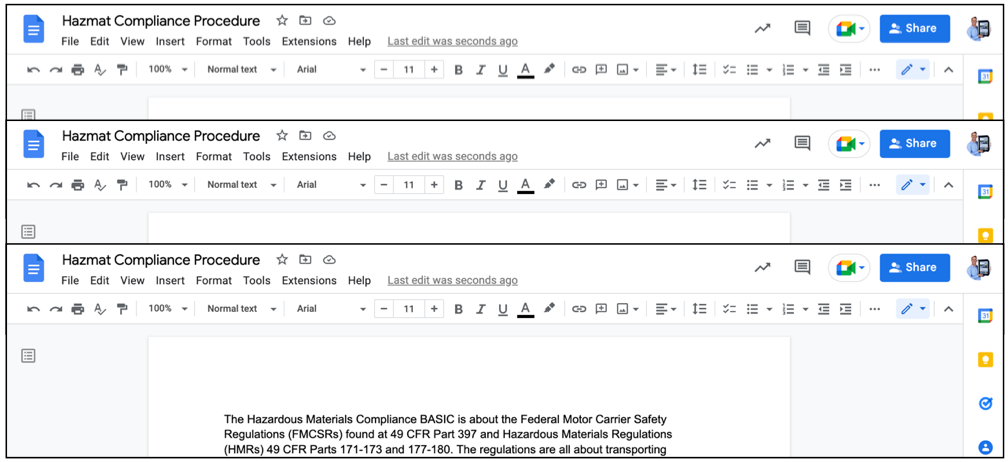
Imagine that you needed to update a critical paragraph about regulatory compliance within hundreds of documents. How to you find all these docs, much less update them all manually?
Easily Push Changes Globally
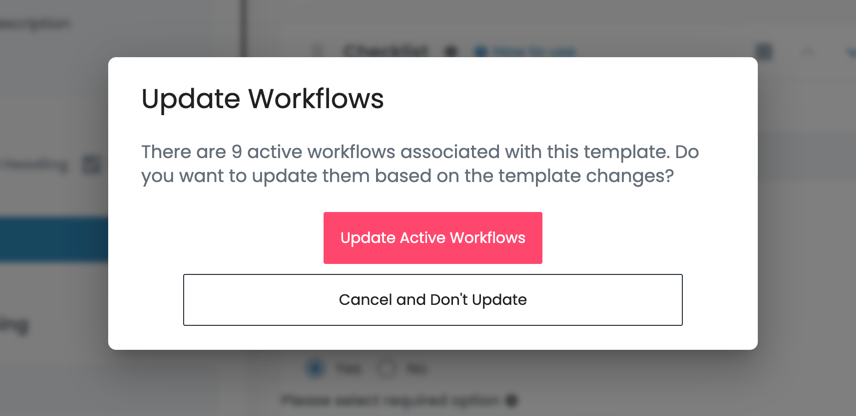
With Flowster, pushing out updates to all your workflows is as easy as a single click of your mouse. As soon as you update the template, Flowster will auto-update every related workflow for you.
Flowster's template/workflow architecture makes it easy to keep your processes up to date across your entire organization
One of the most challenging aspects of process management is keeping your processes and workflows up to date.
Project management software (ClickUp, Asana, Monday, etc…) are not built to address this challenge.
Flowster makes this incredibly easy.
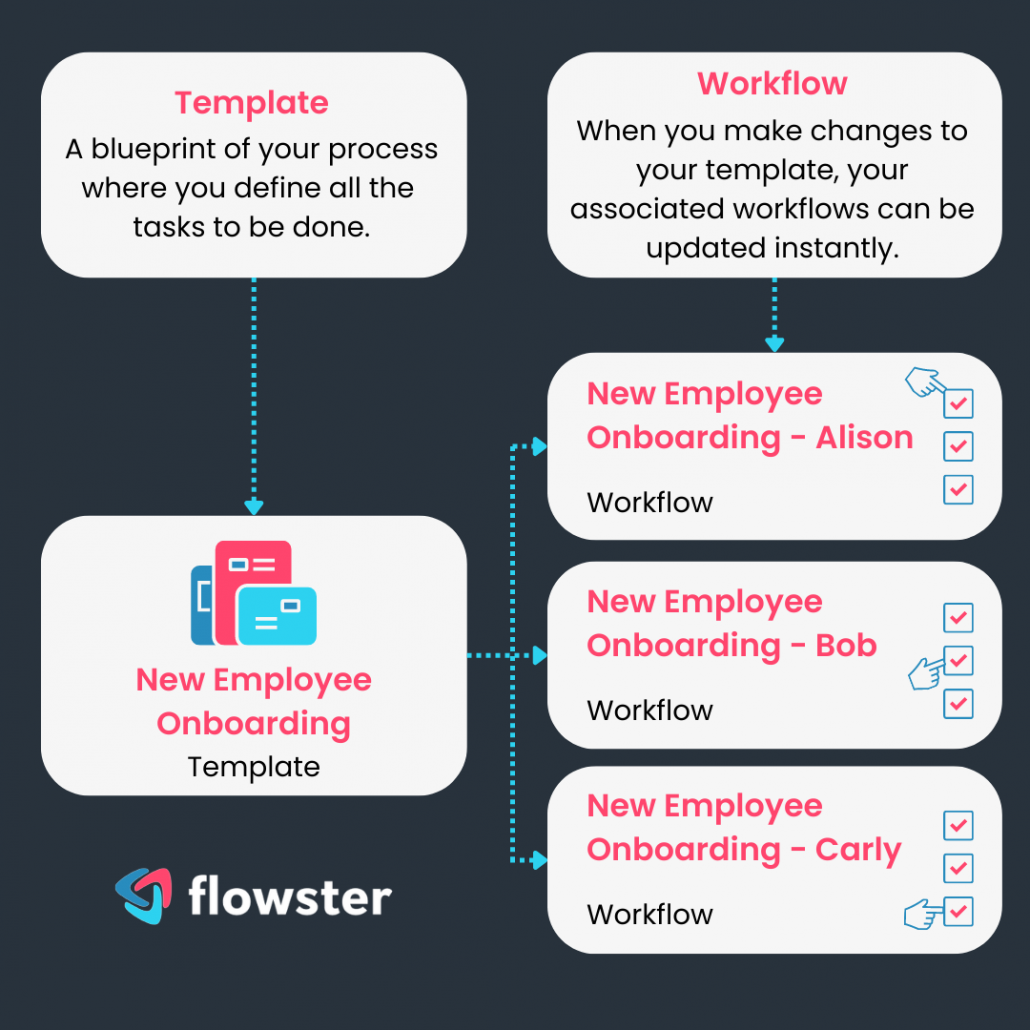
Each time you make any changes to a process template, Flowster will automatically update all the workflows that are based on that template.
For example, in the image on the right, you can see that there is one template for onboarding new employees.
Then, for each new employee (Alison, Bob, and Carly), a new workflow is created.
Now…at any point during their onboarding, if changes are made to the onboarding template, Flowster will ensure that all those changes are automatically pushed out to every workflow that is based on that template.
Voila…process change management made easy!